Not Able to find Slack Integration section

Solved
Configure RevenueCat Integration
 +1
+1Best answer by sundeep
Hi
On your project settings page, you should see an Integrations card, and after selecting Add Integration, you should be able to scroll down the page and see the Slack card under Marketing / Communication:
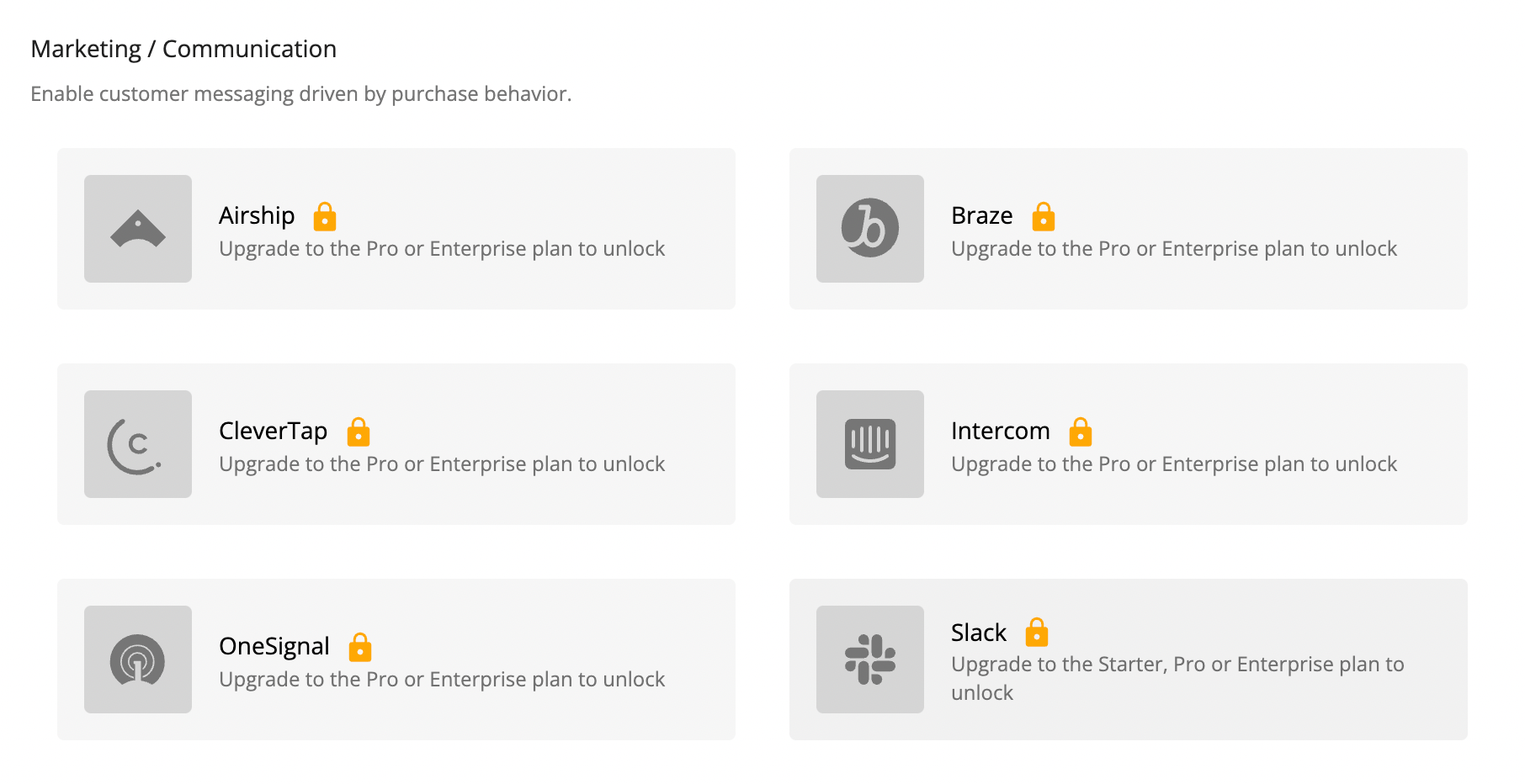
Clicking the Slack card should take you to the integration page if you’re on the Starter plan or greater (should look something like this: https://docs.revenuecat.com/docs/slack#configure-revenuecat-integration), otherwise you’ll be redirected to your billing settings.
This post has been closed for comments




Enter your E-mail address. We'll send you an e-mail with instructions to reset your password.