

Question

How to setup Datasource ID and Conversions API Token, for Meta Ads Conversion API?

  • November 21, 2025
  • 4 replies
  • 63 views

Forum|alt.badge.img+6

How to setup Datasource ID

Based on https://www.revenuecat.com/docs/integrations/attribution/meta-ads

Add your Datasource ID for production events (and optionally an Datasource ID for sandbox events). You can find this ID in the Events Manager, selecting which datasource you'd like to use.
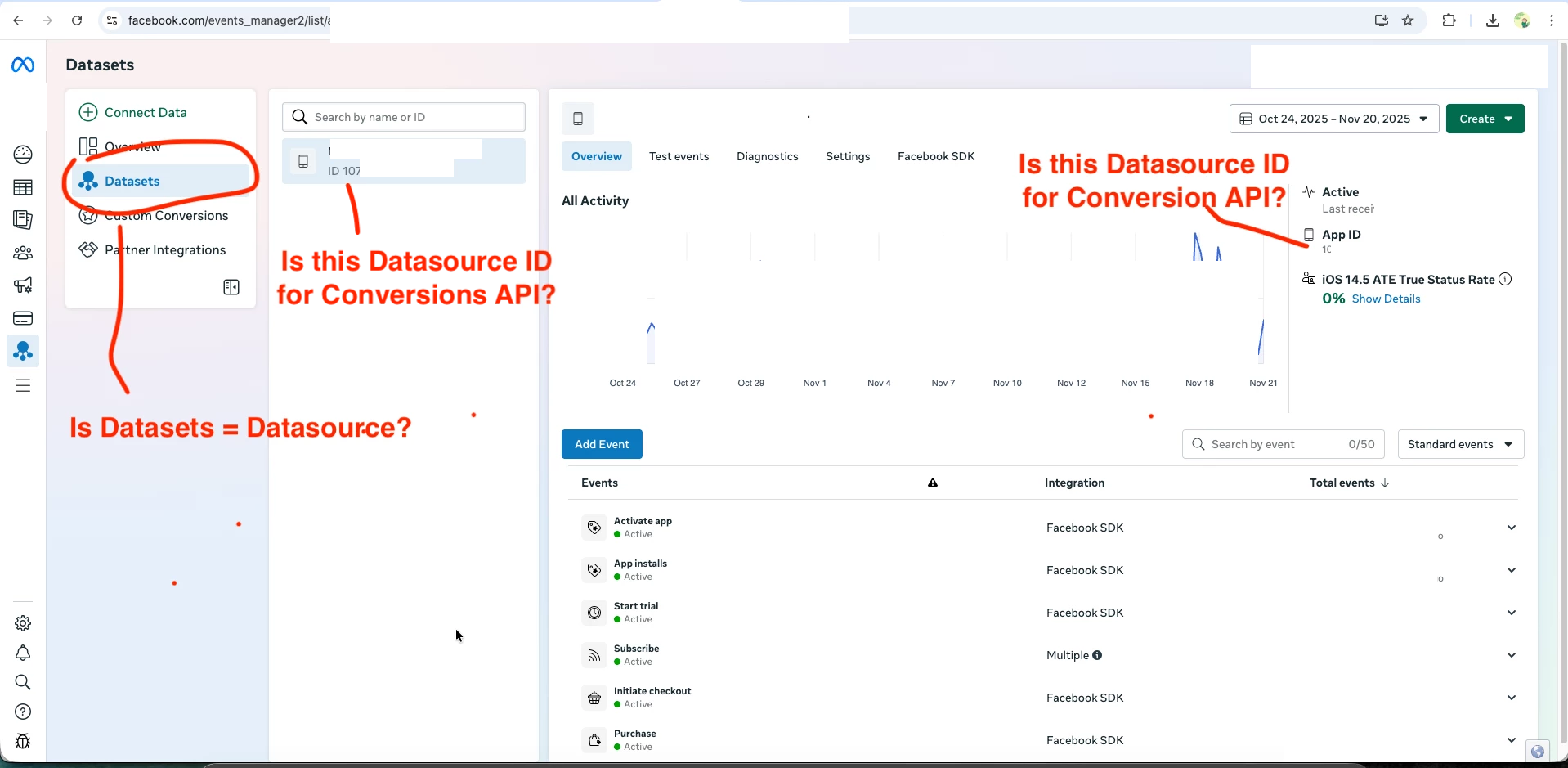
This is my Event Manager page. Is Datasets same same Datasource? Is this the right page to get the datasource ID?

How to get Conversions API Token


Add the Client Token for your app (and for the sandbox Datasource if included). You can find your Client Token in the Events Manager dashboard, under your selected Datasource > Settings > Generate Access Token.
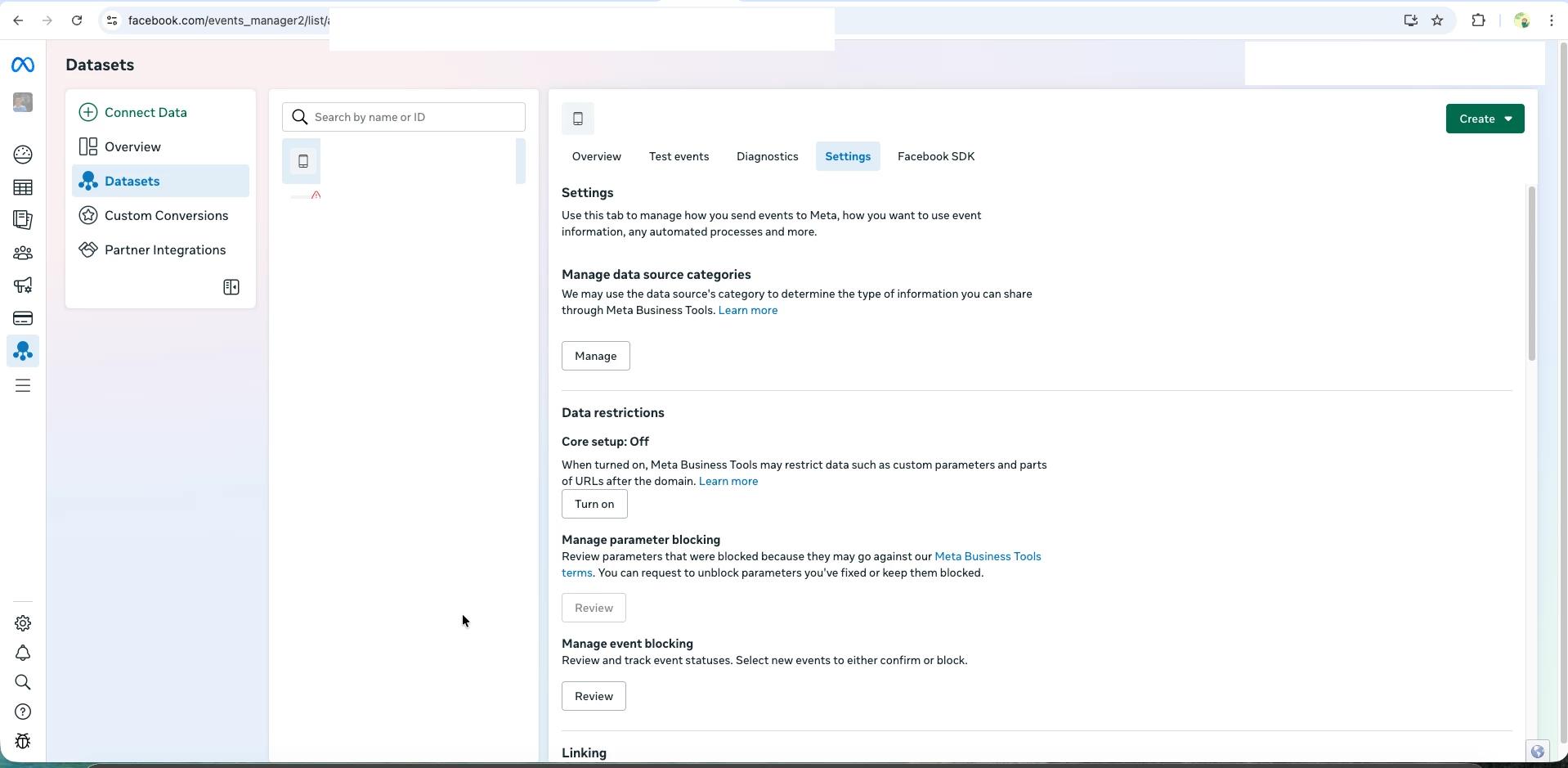


​​​​​​

I can’t find the “Generate Access Token”. Can you please point me out where I can locate such a feature?

Thank you.
4 replies

Forum|alt.badge.img+6
  • Active Member
  • November 21, 2025

In the settings, there is a DataSets ID, which is actually the DataSource ID, and on the same page there is a Generate Access Token button.


Forum|alt.badge.img+6

@asakirullah 

Can you please share me a screenshot for such a “Generate Access Token” button? As, I am still not able to locate it at my side. Thank you.


Forum|alt.badge.img+6


Forum|alt.badge.img+6

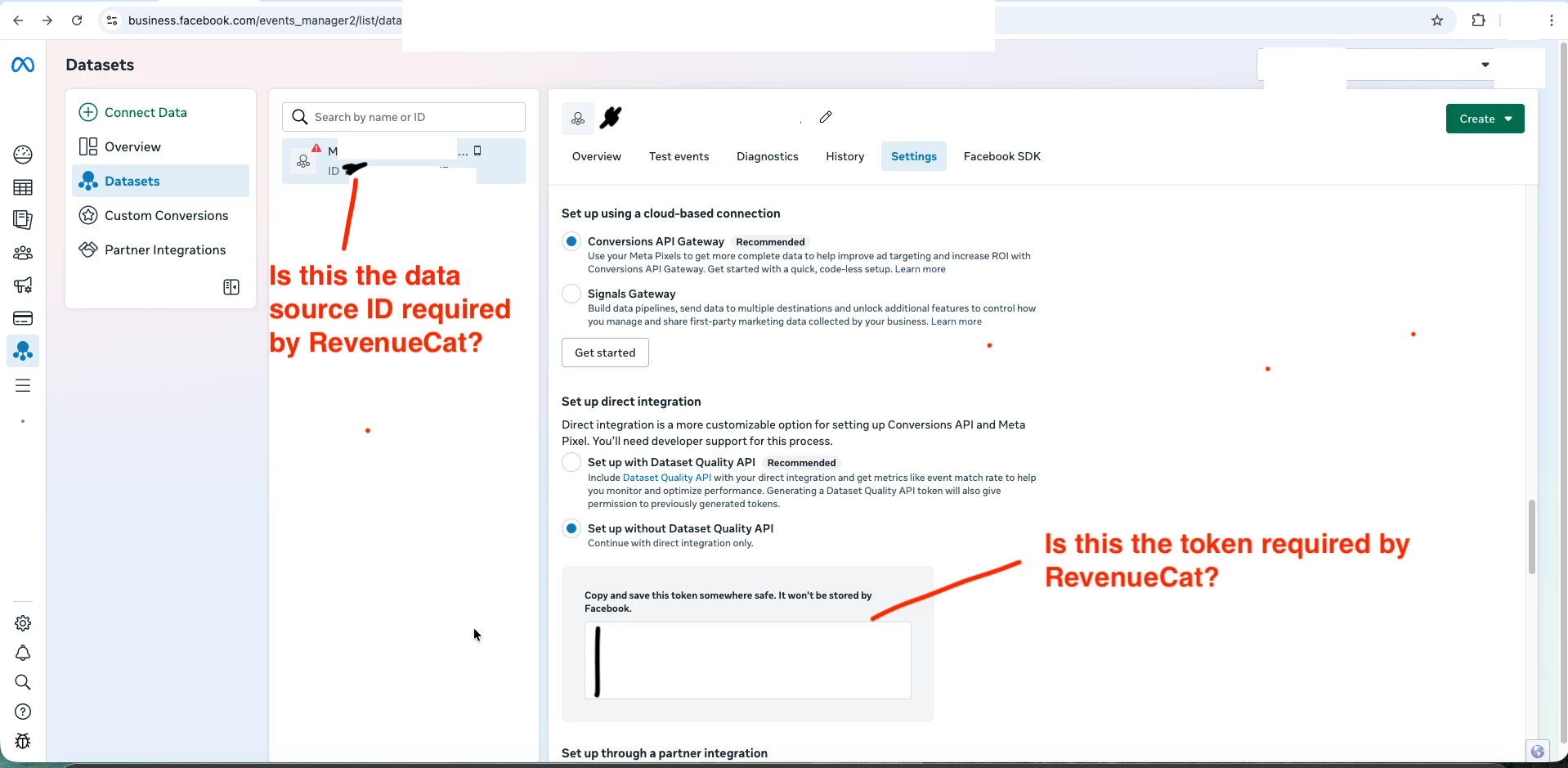
Hi, after many failed attempts, I was able to have conversion API option shown. These are my steps

  1. Create a new business portfolio.
  2. Link the existing mobile app to the business portfolio.
  3. Go to event manager, I manage to get a page with Conversion API option.

Is this the Data Source ID, and Conversion API token, required by RevenueCat? Can someone from RevenueCat confirm on this? Thank you very much!
