Solved

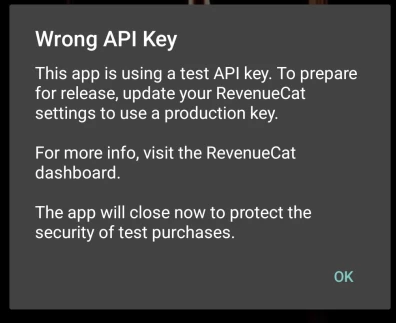
Wrong Api Key

  • December 2, 2025
  • 4 replies
  • 115 views

Forum|alt.badge.img+1

Hi, i have deployed my app to testflight and got the error of wrong API key(Photo attached),
On development build it was working fine and only got this issue when i pushed to testflight
I have confirmed that i m using correct api keys not test api keys ( my api keys start with appl_)

The Command i use to submit my build:
eas build --profile production -p ios --auto-submit


Best answer by mateen

Apparently its working now and i didnt change anything

4 replies

I got exactly the same for Android.
I made a production build with eas.
My env variable is EXPO_PUBLIC_REVENUECAT_API_KEY_ANDROID on expo.dev. It’s a production variable starting with goog_
Then I uploaded the AAB file to Google Play Console as an Internal Test Release. Then downloaded the release from Google Play.
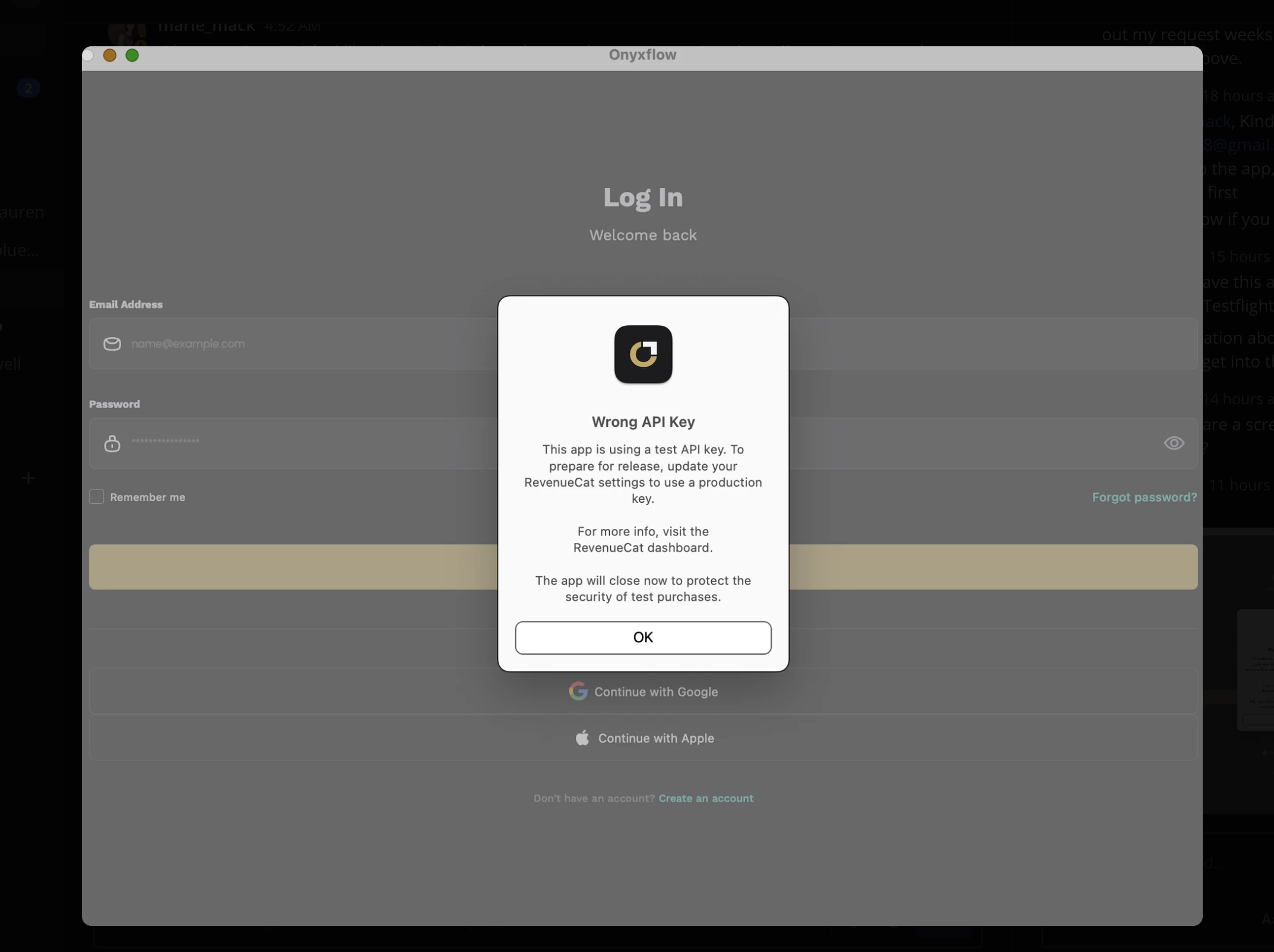
Then launched the app, and got the error “Use a production key”.


Forum|alt.badge.img+8
  • RevenueCat Staff
  • December 9, 2025

Hi, ​@mateen can you make sure that the build you are using for TestFlight is using the appl_ API key and if so can you make sure to have cleaned the build to make sure the changes are up to date? Similarly ​@dadidou-a73009 can you make sure after changing to the goog_ API key that you are running a fresh build? And can you both share with me your SDK versions? 

If that does not work can you let me know if using a default offering without any test store products in it helps with what you are seeing?


Forum|alt.badge.img+1
  • Author
  • Helper
  • Answer
  • December 10, 2025

Apparently its working now and i didnt change anything


antonio.pallares
RevenueCat Staff
Forum|alt.badge.img

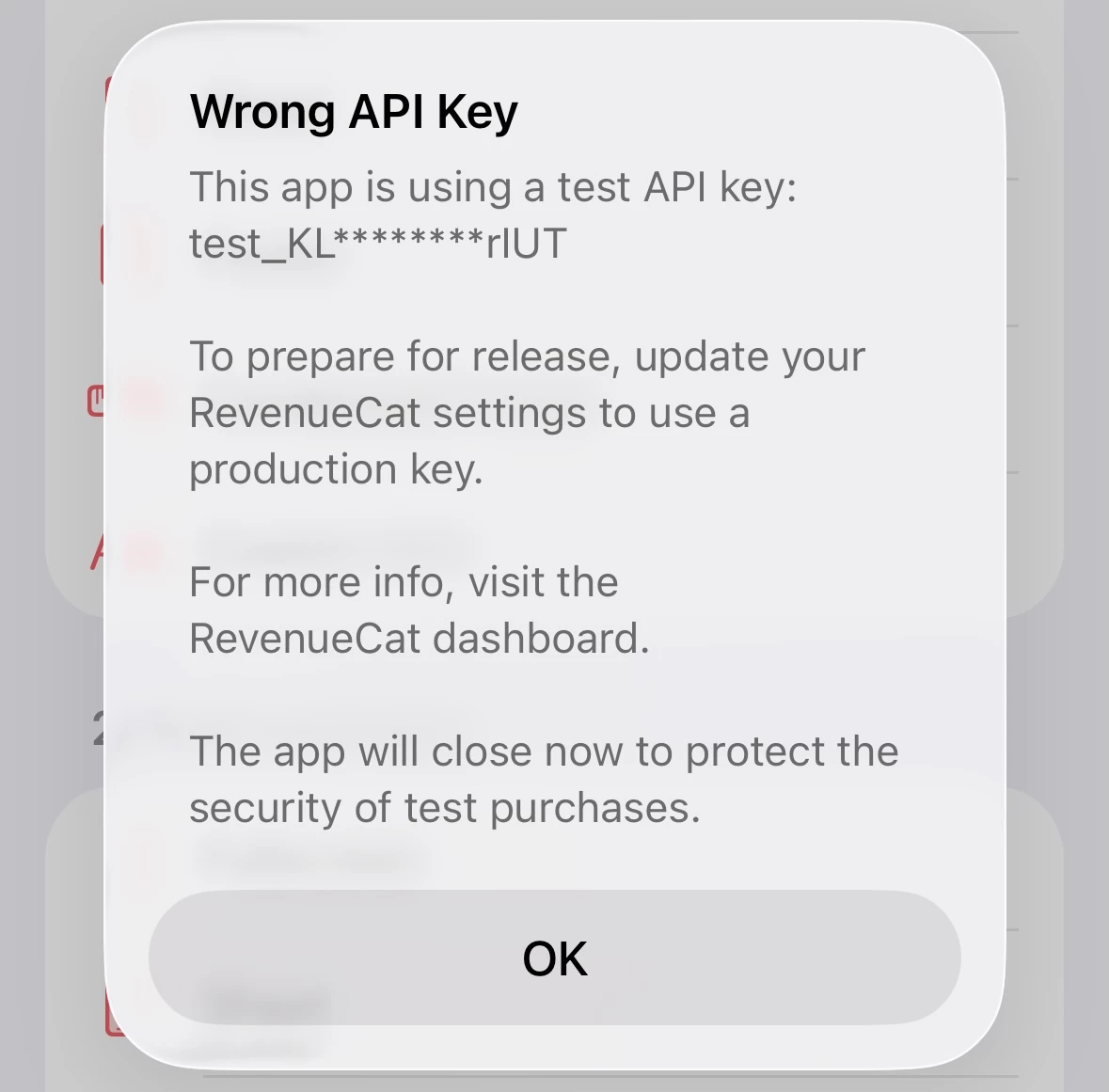
To help debug these issues, we just released react-native-purchases v9.6.10. In that version, whenever you see the “Wrong API Key” alert, you’ll also see a redacted version of the API key used to initialize the SDK. That should clarify which API key is being received by the SDK.

If you keep experiencing this issue, please, update react-native-purchases to v9.6.10 and check the alert out 🙂