Question

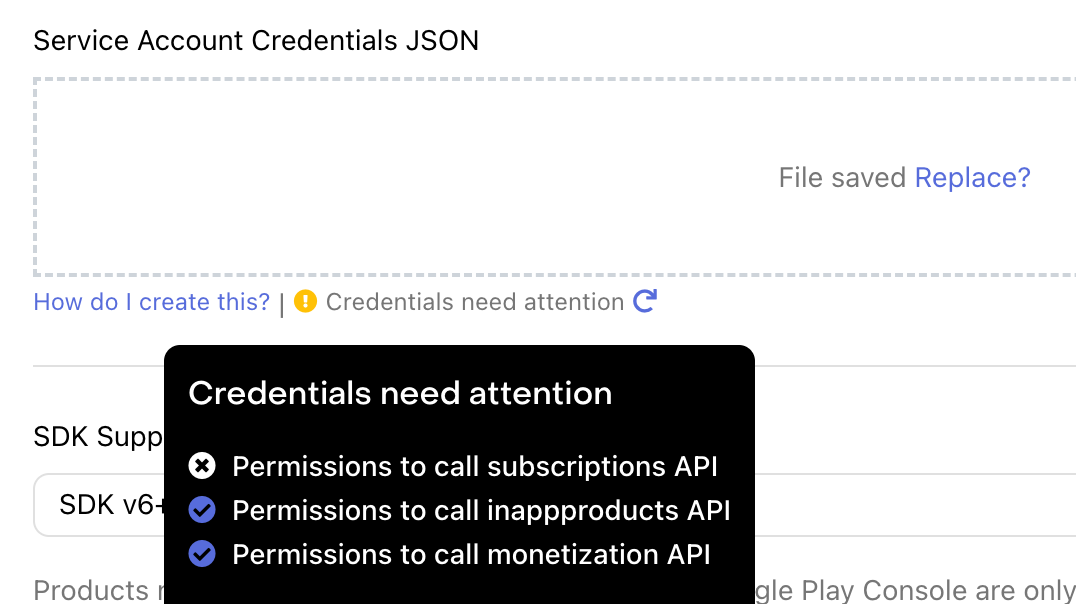
Service Account Credentials JSON - Credentials need attention

  • July 5, 2023
  • 3 replies
  • 131 views

Forum|alt.badge.img+4

Hello,


I get the following error :
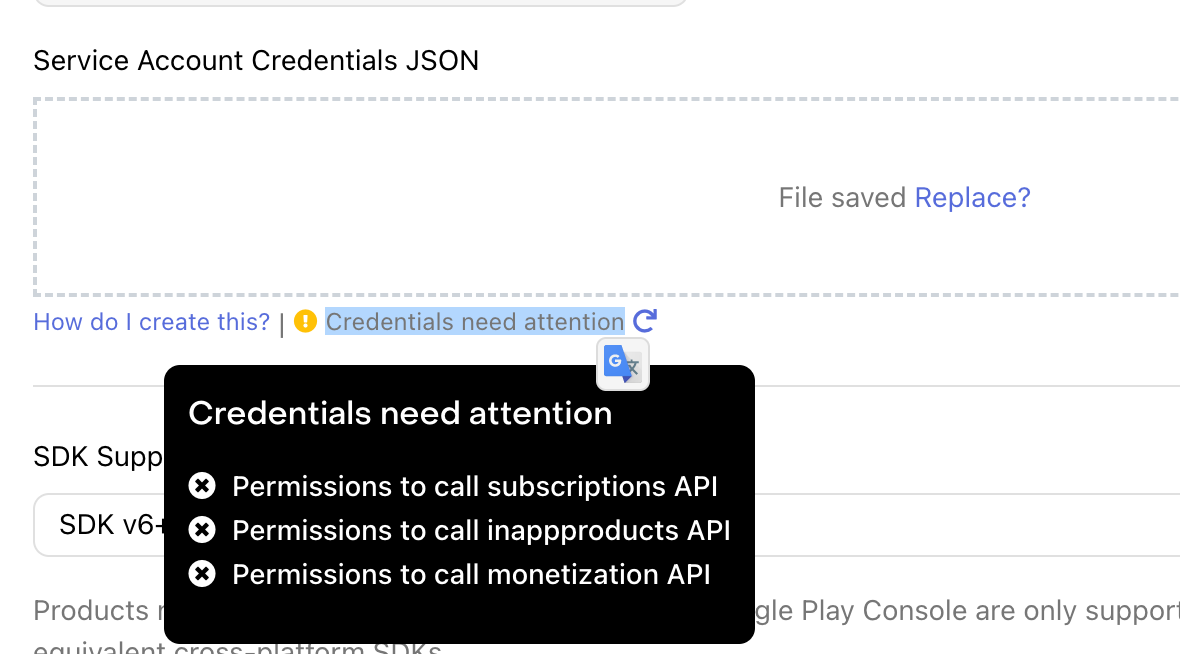


How to solve ?


Nota: my Android app is in Open Testing (available on the store) ; tell me if it might be an issue.

This post has been closed for comments

3 replies

Forum|alt.badge.img+4
  • Author
  • New Member
  • July 5, 2023

I solved partially my problem. Was due to the fact that I didn’t save properly (probably forgot to click on the save button) one of the two permission pages.

Now I get the error:


So just one error message remaining.

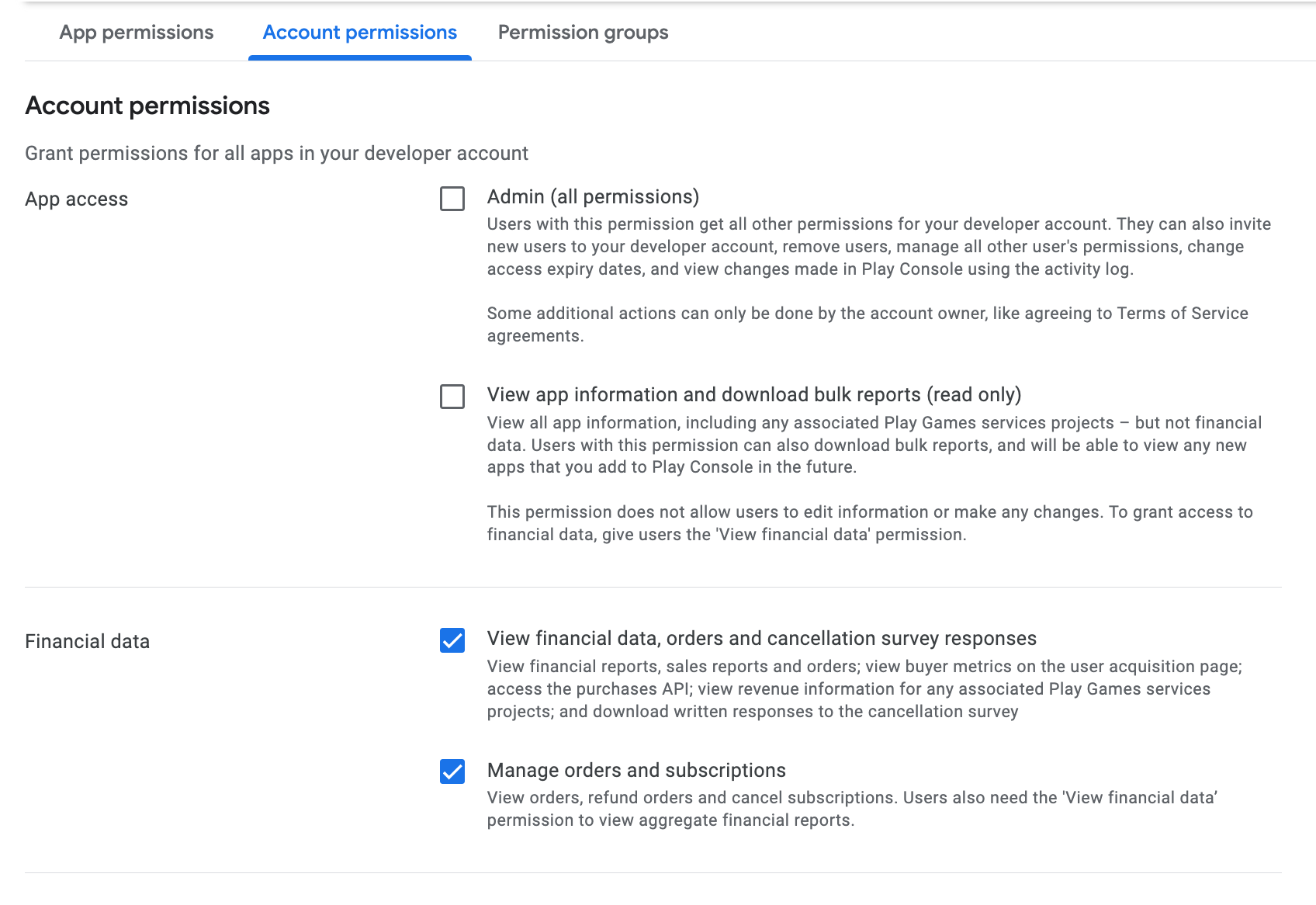
Note that I allowed only a part of the permissions your request in your doc as I don’t understand why you ask so many permissions:


My account permissions:

My app permissions:


But I think that it should not have influence on the issue.


Do you see how to solve the problem ?


Thanks.


Forum|alt.badge.img+4
  • Author
  • New Member
  • July 5, 2023

Ok, problem solved. Forgot to copy/paste the topic ID between RevenueCat And Google Play Console.


kaitlin
RevenueCat Staff
Forum|alt.badge.img+6
  • RevenueCat Staff
  • July 10, 2023

Hey @superUser

Glad to hear everything is working now! 

Just to clarify - there’s three permissions that need to be checked to connect to RevenueCat, the rest are up to you. Those three are:

  • View app information and download bulk reports (read-only)
  • View financial data, orders, and cancellation survey response
  • Manage orders and subscriptions