

I am designing my Paywall using the new Paywall Editor.
I am using a Carousel where each Page has
- a Title
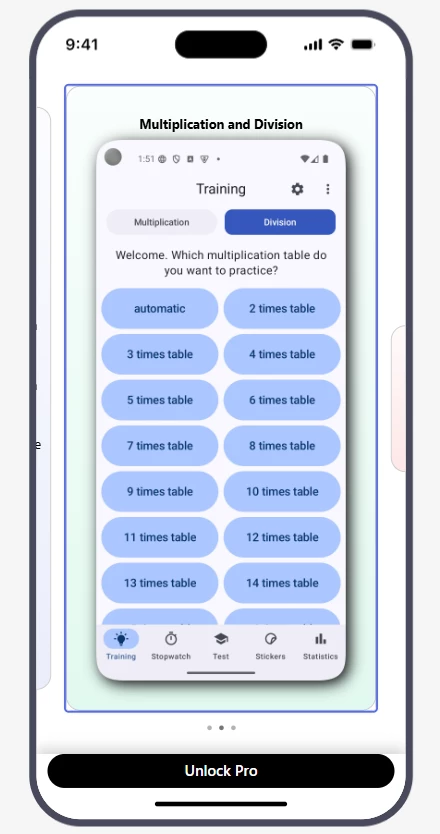
- an Image which is a screenshot of the app
This is how such a page looks in an ideal scenario:
However, the problem is that on smaller screens,
- the Carousel height does not adjust
- thus, the Page height does not adjust
- thus, the Image is not scaled to fit into the viewport.
This is how it looks on a smaller device:
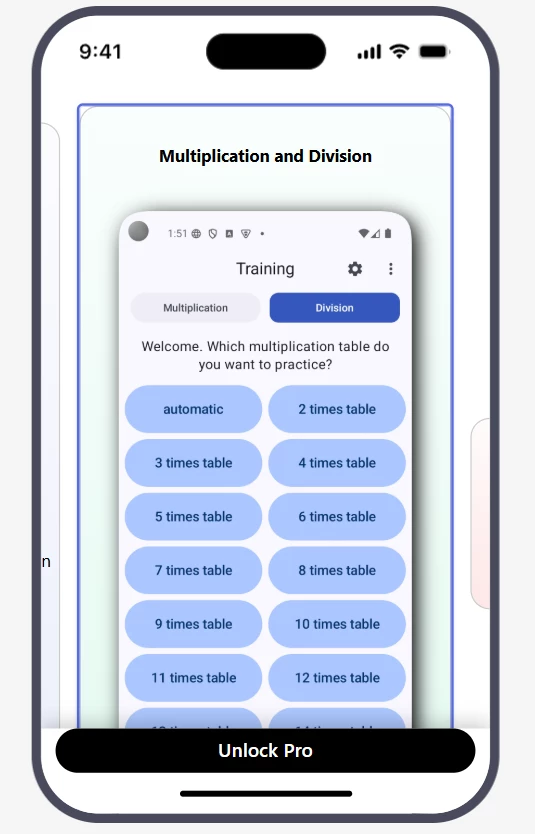
I would in that case like the Image to scale to be smaller, fit into the Viewport, and not make the Carousel scrollable. I think what is needed to achieve that is the option to allow the Carousel to only fill the available height like using a weight of 1 only on the Carousel.
How can I achieve this?
Thanks in advance for any thoughts or hints!



