Question

[Flutter] Paywall Purchase Listeners

  • August 21, 2025
  • 3 replies
  • 64 views

Forum|alt.badge.img

Hi all, i’m very new to revenuecat paywall UI. i have implemented it succesfully in my flutter app for android, but i’m failing to use these listeners.  

  • onPurchaseStarted
  • onPurchaseCompleted
  • onPurchaseError
  • onRestoreCompleted
  • onRestoreError
  • onDismiss

Where do i listen for them? because when i click the restore button on the paywall ui, not is happening.


This post has been closed for comments

3 replies

joan-cardona
RevenueCat Staff
Forum|alt.badge.img+6
  • RevenueCat Staff
  • August 25, 2025

Hi ​@dingaan-letjane,

For the restore listener specifically, it’s possible that you are not getting it called because that one only fires when there is a subscription to restore. If the user taps on “Restore purchases” but they don’t have any active subscription, `onRestoreCompleted` and `onRestoreError` won’t get called.

If they have an active subscription, `onRestoreCompleted` should be called. Is this the behavior you are seeing?

Best,


Forum|alt.badge.img

Hi ​@joan-cardona 

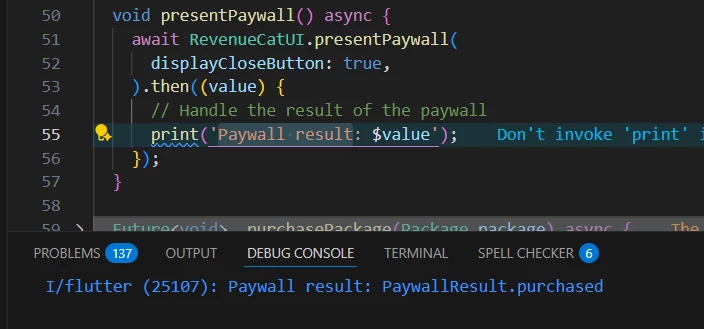
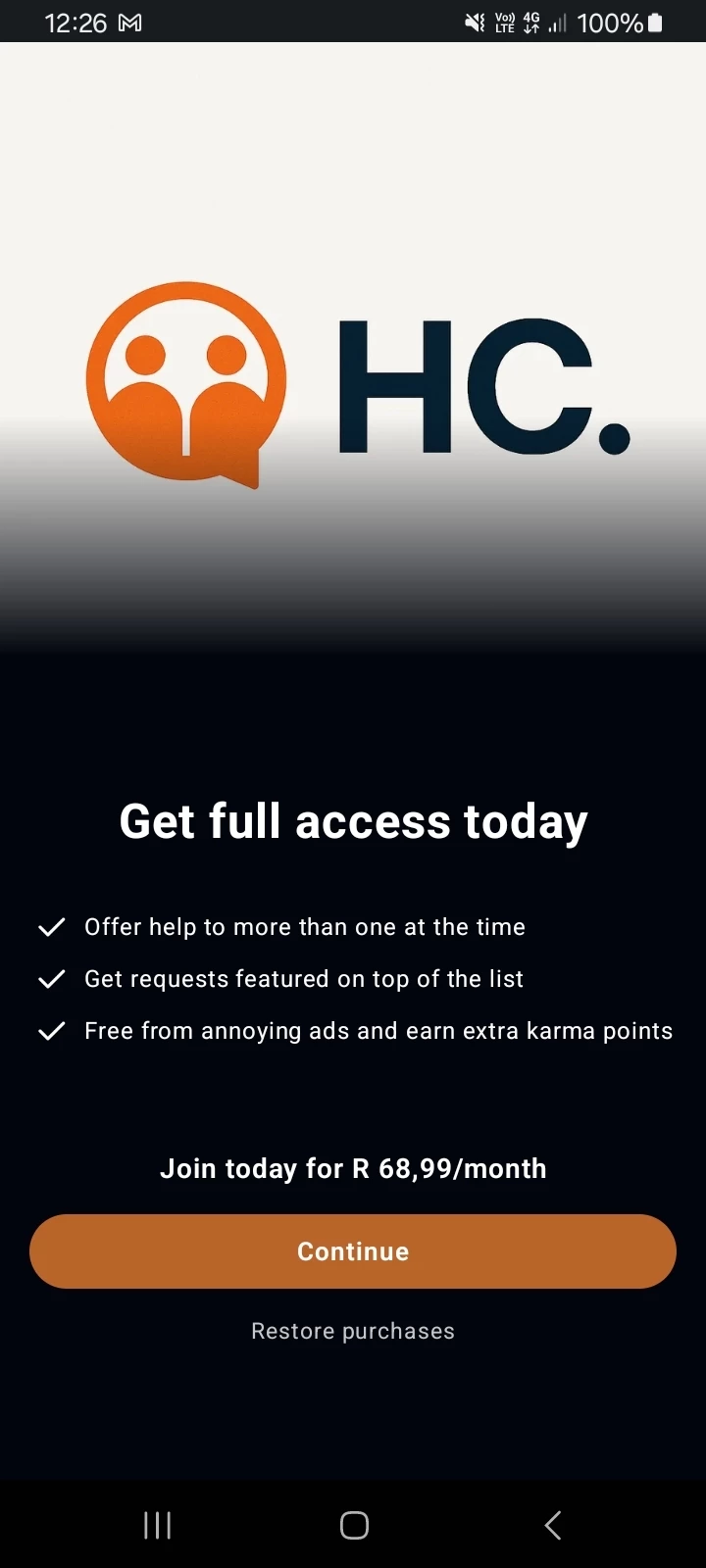
This is how I present the Paywall, I can only get the PaywallResult after purchasing the subscription, see the image below and the output on the console. 


But when I click Restore purchases on the Paywall view. Nothing is happening, while I still have an active subscription. thats why I asked on how and where can I use the listeners I have mentioned on my post. 


==============

I can only get the customer info from this code or when i manually call Purchases.restorePurchases()

this is only one working not the one on the Paywall. 


alejandra-wetsch
RevenueCat Staff
Forum|alt.badge.img+6

Hey ​@dingaan-letjane

Thank you for the code snippets provided! 

When using the await RevenueCatUI.presentPaywall() method, you must listen to the PaywallResult, which will provide you with info about the paywall session, more specifically, if a purchase was completed, if a restore happened, or if something failed. This can be accomplished by switching through all PaywallResult options: 

enum PaywallResult {
/// Only returned when using [RevenueCatUI.presentPaywallIfNeeded]. Returned
/// if the paywall was not presented.
notPresented,

/// Returned when the paywall was presented and the user cancelled without
/// executing an action.
cancelled,

/// Returned when the paywall was presented and an error occurred performing
/// an operation.
error,

/// Returned when the paywall was presented and the user successfully
/// purchased.
purchased,

/// Returned when the paywall was presented and the user successfully
/// restored.
restored
}

The code should look like this:

final paywallResult = await RevenueCatUI.presentPaywall(displayCloseButton: true);

It’s also common to call getCustomerInfo after the paywall result to see the current status of the customer’s subscription after successful purchases and restore purchases.

As Joan mentioned in a previous message, the paywallResult will get a restored result only if there was a purchase to restore when the user tapped the Restore Purchase button. 

I hope this helps. Let us know if you have additional questions!