Question

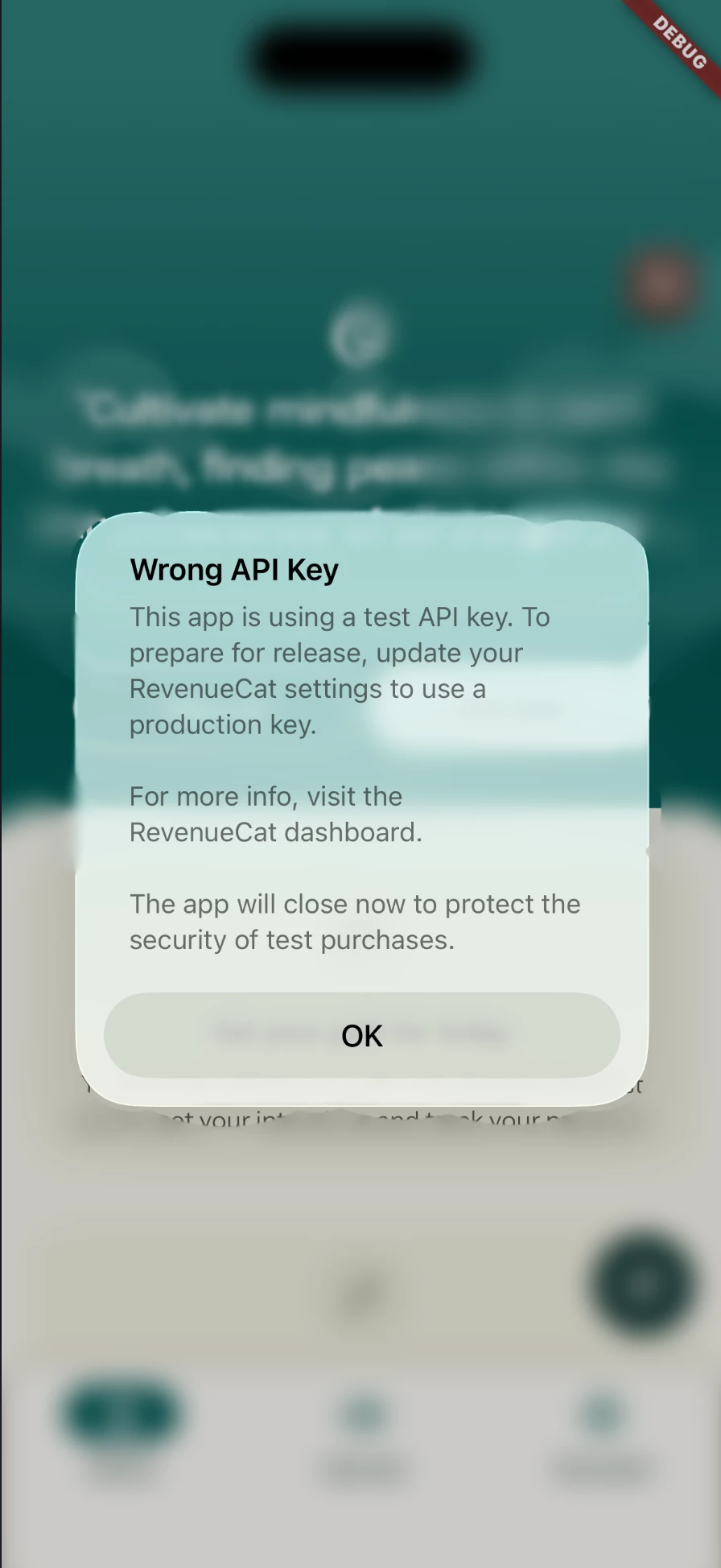
Error dialog on configure initialization with Test Store Api Key

  • November 26, 2025
  • 3 replies
  • 64 views

Forum|alt.badge.img

Hello,
When I call

Purchases.configure(configuration);

(Flutter) in debug mode I get an dialog with information about Wrong API Key. Doesn’t matter if its on simulator or real device. What can I do? Should be working fine unless I build my app in release mode.

In console:
RevenueCat/Configuration.swift:491: Fatal error: [RevenueCat]: Test Store API key used in Release build. Please configure the App Store app on the RevenueCat dashboard and use its corresponding Apple API key before releasing. Visit https://rev.cat/sdk-test-store to learn more.

Stack:

Flutter 3.35.3
purchases_flutter 9.9.9

iOS 26.0

Xcode 26.1.1
 

3 replies

joan-cardona
RevenueCat Staff
Forum|alt.badge.img+6
  • RevenueCat Staff
  • December 1, 2025

Hi ​@andor,

Do you mind sharing how are you making that build? It seems that it’s using some release/distribution settings even if you have set it as debug. We have a flag that prevents using the test store API key in any distribution build to avoid issues in production.


You can also try using the store specific key if you have already set up your products in the stores.


Best,


Forum|alt.badge.img
  • New Member
  • December 2, 2025

Hi i m facing the same issue, although i m using the production api keys but on testflight app its giving me same error 


antonio.pallares
RevenueCat Staff
Forum|alt.badge.img

Hi ​@andor!

Are you integrating purchases_flutter using CocoaPods? If so, you might want to try the solution given in this comment. Especially if your Debug mode uses a custom Xcode build configuration. If that’s the case, you need to specify it in the Podfile and map it to debug, like this

project 'Runner', {
'Debug' => :debug,
'your_custom_debug_build_config' => :debug,
'Profile' => :release,
'Release' => :release,
}

and then run pod install again.