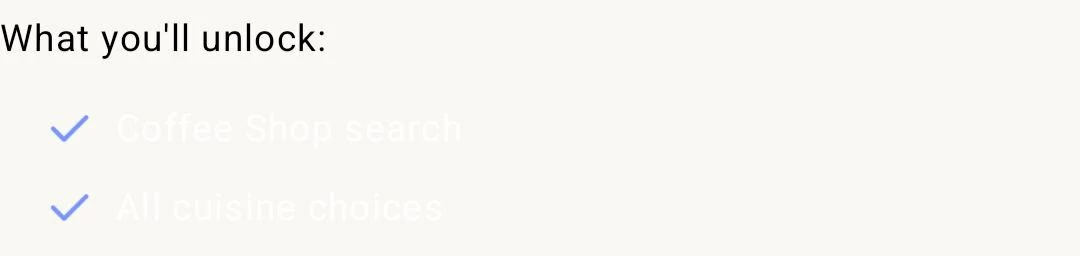
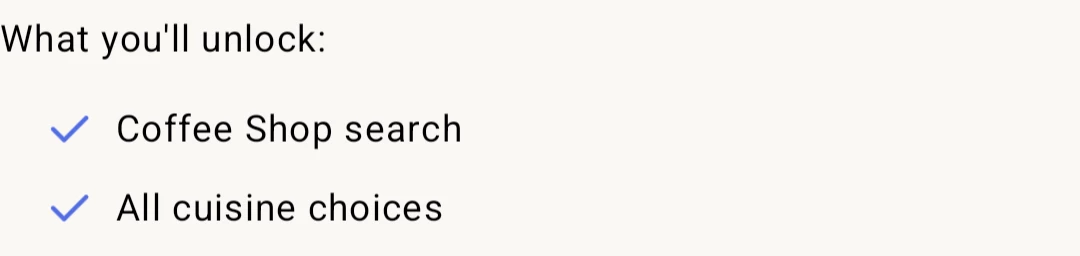
My Paywall looks great on the Revcat dashboard, but when viewing on my phone (Which has dark mode turned on), the only content within the paywall being changed is the text - so if you have a light background behind your black text, your paywall is ruined. I can’t find a way to turn this off either
Settings
Dark mode onDark mode off
Best answer by alejandra-wetsch
Hey @theo-king-48507d,
Thank you for reaching out. I’ll be happy to help!
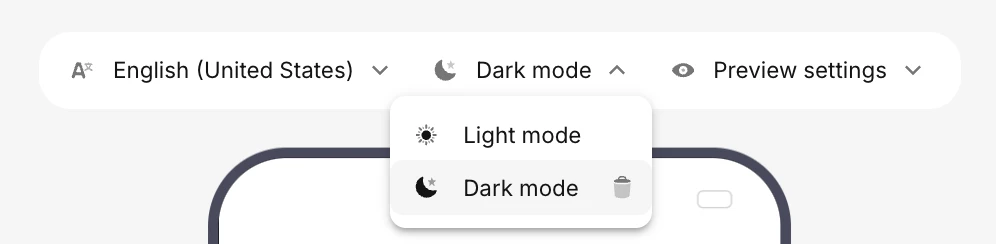
After checking your Paywall configuration, I can see that the reason your text doesn’t show up when dark mode is enabled is that the text is set to white for dark mode, while it is set to black for light mode. You can check how your Paywall will look in both dark and light mode by accessing the Dark/Light mode dropdown in the Paywall Editor. Please check the screenshots below for reference.
If you would like your Paywall to look the same in both light and dark mode, you can click on the trash icon next to “Dark mode”, and only the design for Light mode will be taken into consideration, regardless of which mode is enabled on your device.
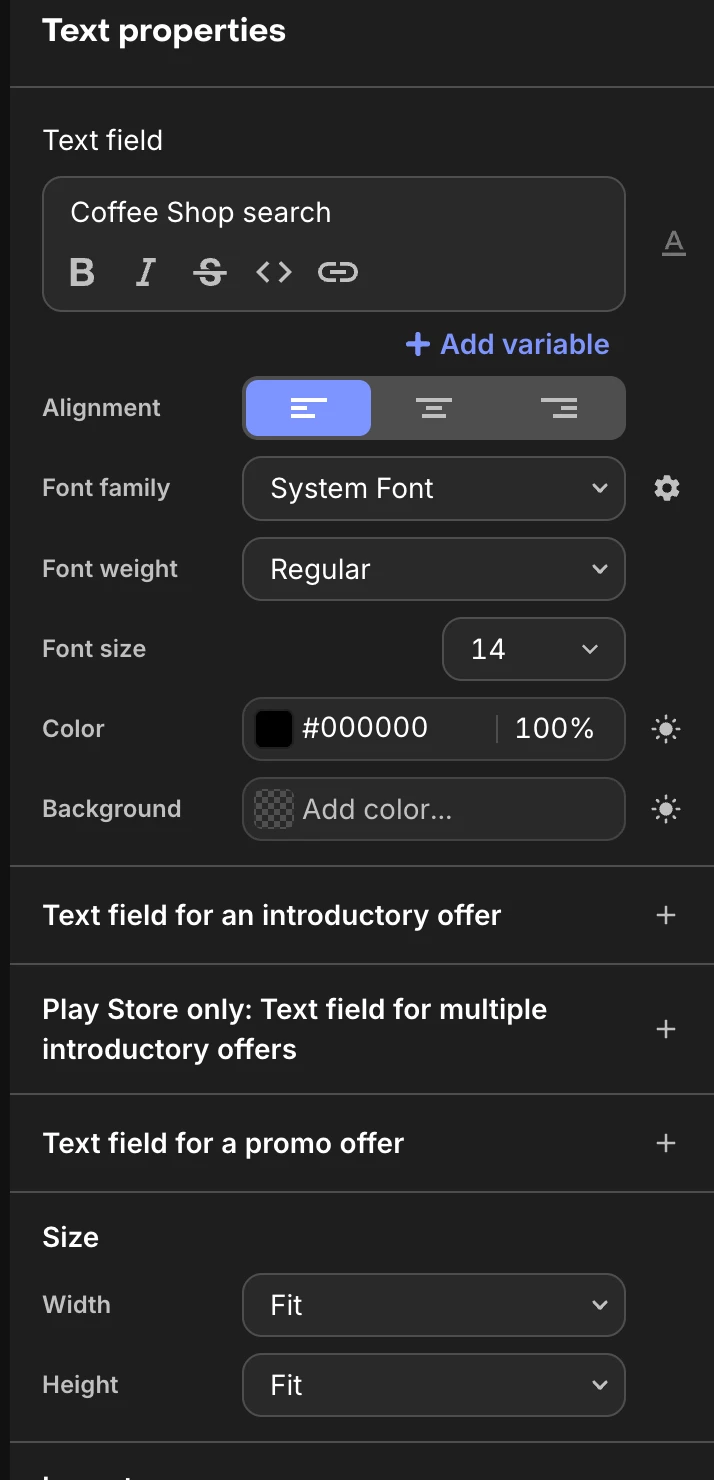
If you still want to have both modes enabled, changing the text color to black while viewing the “Dark mode” preview should resolve the issue. You can find a screenshot below as a reference.
Thank you for reaching out. I’ll be happy to help!
After checking your Paywall configuration, I can see that the reason your text doesn’t show up when dark mode is enabled is that the text is set to white for dark mode, while it is set to black for light mode. You can check how your Paywall will look in both dark and light mode by accessing the Dark/Light mode dropdown in the Paywall Editor. Please check the screenshots below for reference.
If you would like your Paywall to look the same in both light and dark mode, you can click on the trash icon next to “Dark mode”, and only the design for Light mode will be taken into consideration, regardless of which mode is enabled on your device.
If you still want to have both modes enabled, changing the text color to black while viewing the “Dark mode” preview should resolve the issue. You can find a screenshot below as a reference.