Hi,
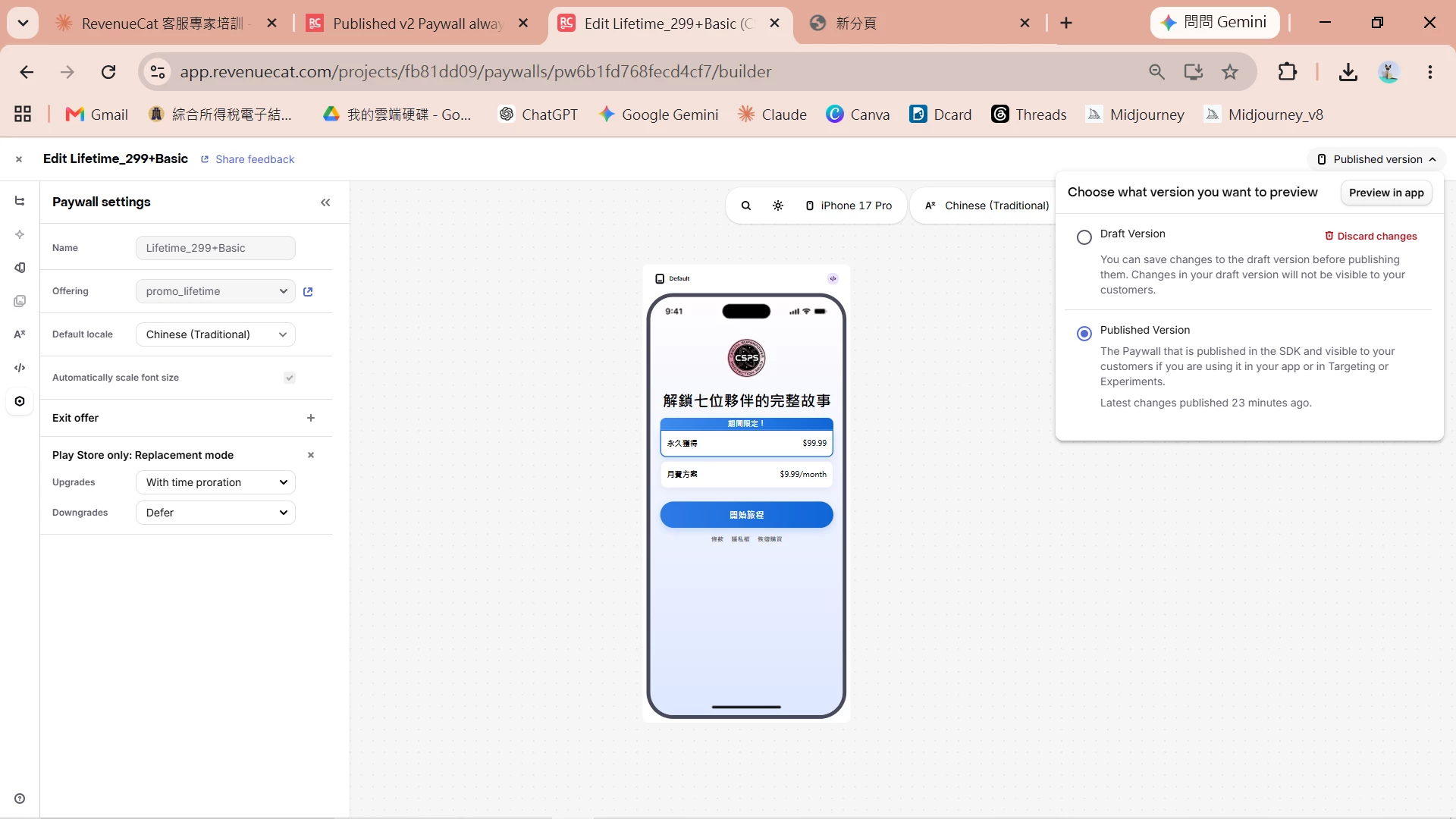
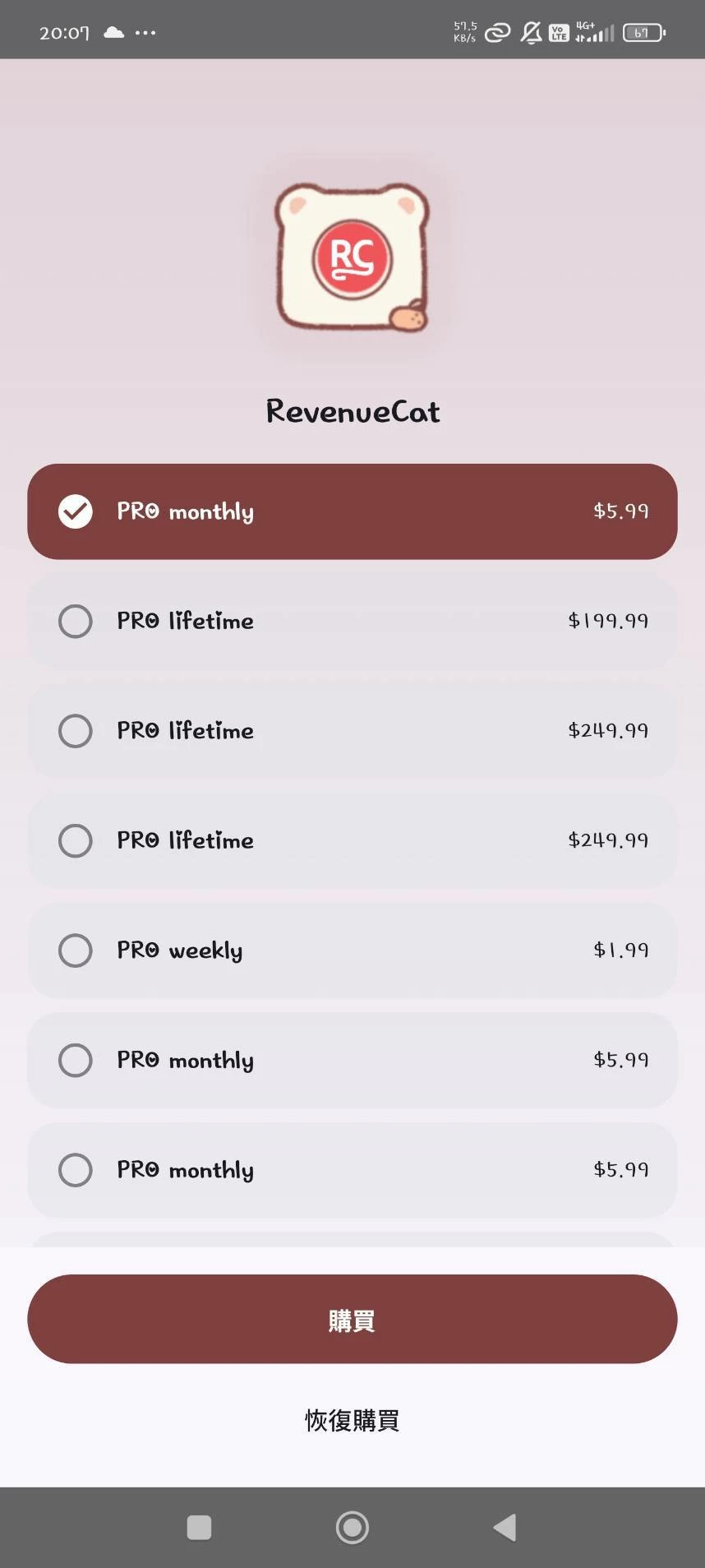
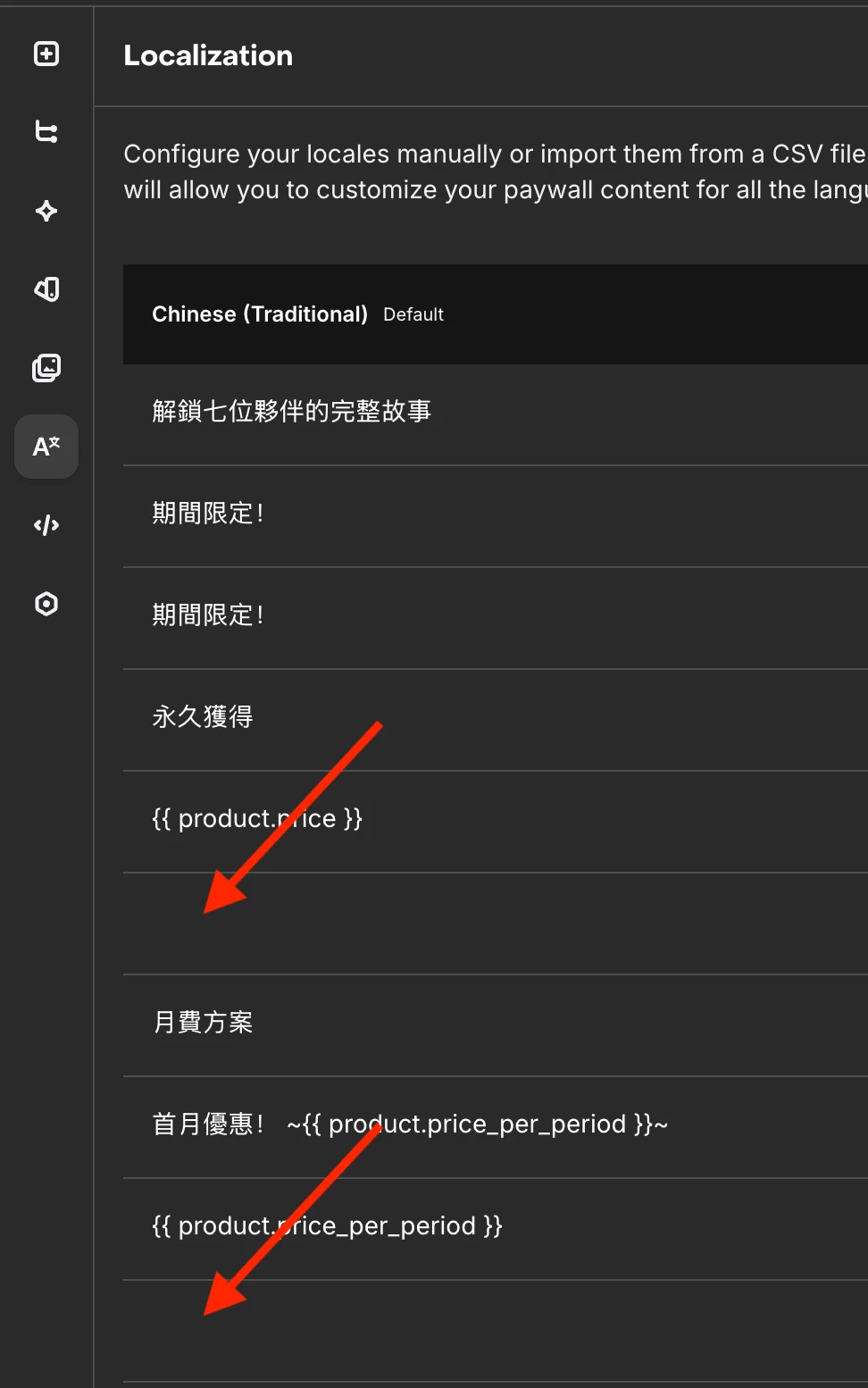
I have a published v2 Components-based paywall that is not serving correctly. Both my app and the RevenueCat Preview in App (official RevenueCat iOS app) are showing the default fallback template instead of my custom design.
Setup details:
- Project ID: projfb81dd09
- Offering ID:
promo_lifetime - Paywall status: Active & Published
- Built entirely with built-in v2 components only
What I've already tried:
- Confirmed paywall is Active and Published
- Confirmed Offering is correctly assigned
- Used RevenueCat AI editor to clean up legacy fallback header structure and normalize carousel config
- Published changes after each fix
- Duplicated the paywall, attached the duplicate to the offering, and republished
- Tested all of the above via Preview in App every time
None of the above worked. The fact that Preview in App also shows the fallback confirms this is not an app-side or SDK issue — it is a RevenueCat backend serving issue.
Has anyone experienced this? Any suggestions would be appreciated.