Question

How do I cancel a trial from Web Billing - to end immediately?

  • December 8, 2025
  • 3 replies
  • 56 views

Forum|alt.badge.img+8

I created a purchase in production, which includes a trial period.  Using the automated email to manage the subscription, I cancelled the subscription, but the trial is still active. 

This is a revenuecat web billing product, so the product & transaction are not in Stripe.


How can I immediately cancel the trial also?  

 

3 replies

Forum|alt.badge.img+8
  • RevenueCat Staff
  • December 12, 2025

Hi ​@lucksp at this time you can only cancel the auto-renewal for the trial by cancelling the subscription, there is no way to end the trial. Can you share with us your use case for why you would want to take away the free trial from a user?


Forum|alt.badge.img+8
  • Author
  • Helper
  • December 12, 2025

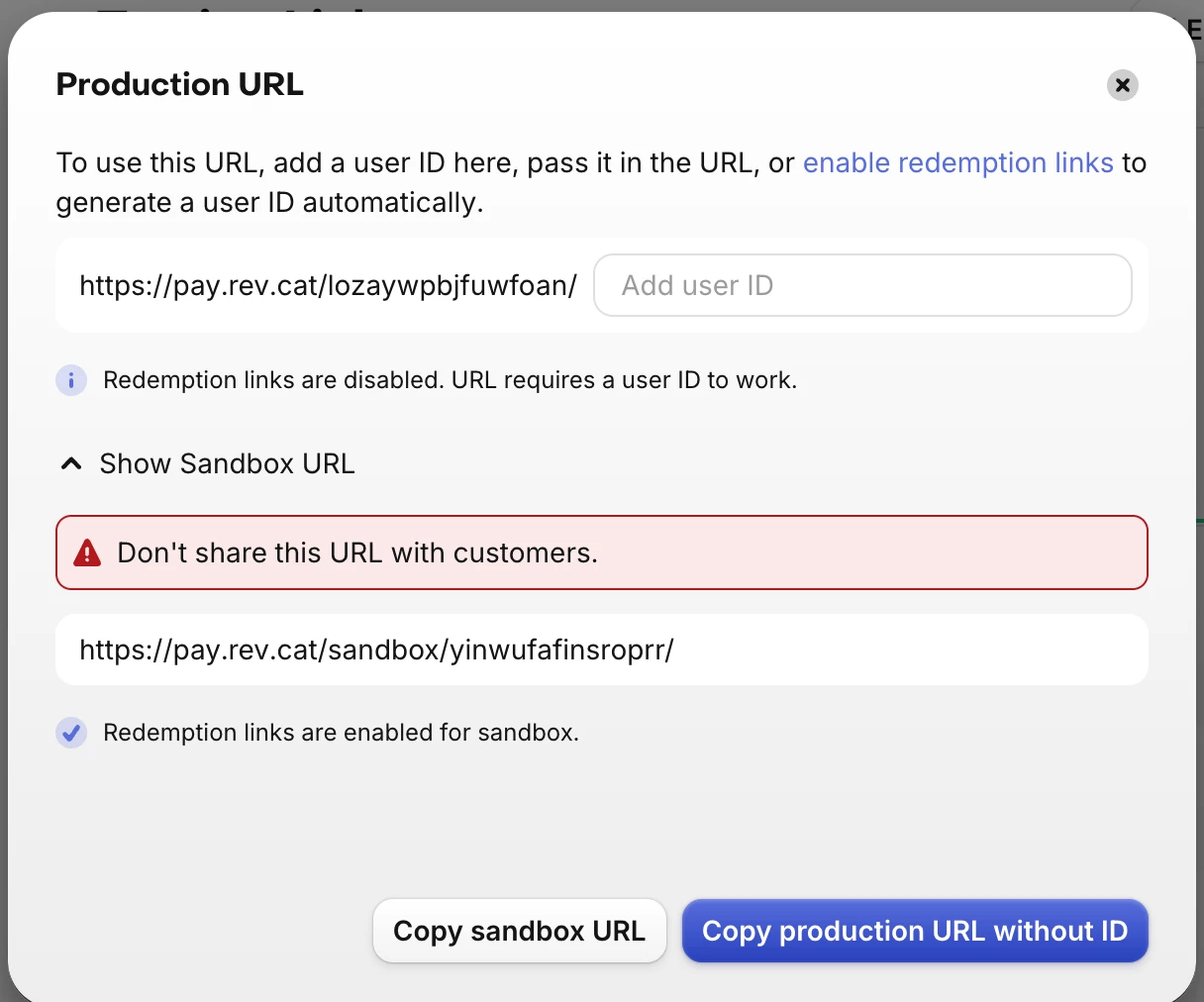
yes: I found a defect with your web link paywall & custom success page (the app_user_id_ param is not passed) and was trying to test on production.  I don’t want my user to have this on production.


Forum|alt.badge.img+8
  • RevenueCat Staff
  • December 19, 2025

Hi, note that when using a web purchase link that you need to specify the app user id at the end and if you don’t it will copy the link without an app user id, can you confirm that you are making sure to have the app user id at the end of the URL you are using?


If you are doing this and it still isn’t working can you please open a support ticket here with a video of the process, i.e. creating the web purchase link, using it, and the result? When I copy the url it seems to work fine so seeing what is happening on your end will be helpful in addressing the bug you are seeing.