Hello,
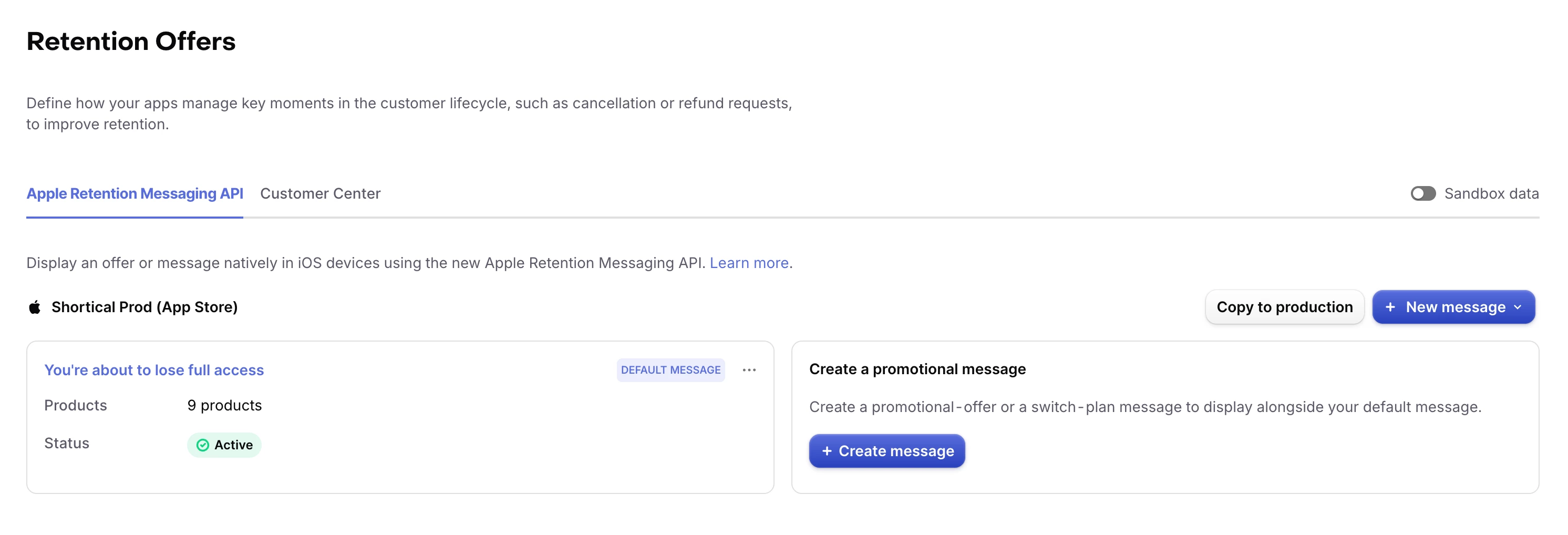
I have a problem with the Retention Message API. The default message is not displayed to users when they try to cancel their subscription in the device's Settings app.
The request to use this API was approved by Apple for our account. After configuring it for the Sandbox environment, everything worked as expected the image and text were displayed to users.
Later, I applied the same configuration to the Production environment. I received the Approved status for the message, but after purchasing the subscription from the App Store, although I can see the subscription in Settings, the retention message is not displayed when I attempt to cancel it.
I have tried different Apple accounts from different regions (both EU and non-EU) and tested from physical locations without using a VPN.
Also, for clarification, we do not use real-time communication only the default retention message.
For additional information:
I also tried configuring this message from App Store Connect, as shown in WWDC 2026, but this section is not available under the Subscriptions category.
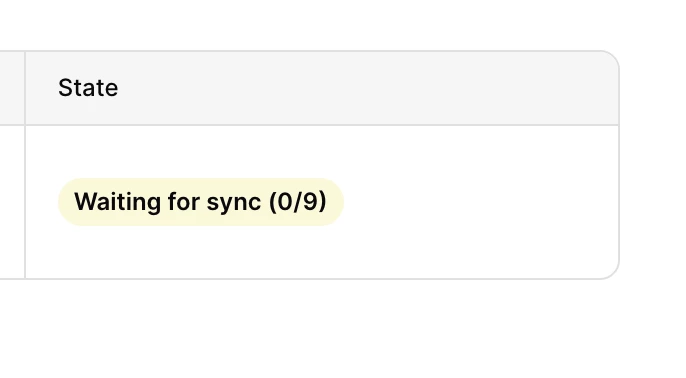
When I deactivate and then reactivate the message, I notice that the deactivated state shows the text status "Waiting for sync (0/9)", while the active state shows "Approved".
All other assets have an Approved state.
In my case, the message is configured for all subscription types without any filters or other restrictions.
What could be causing this problem, and how can I fix it?
It seems that the issue is not on my side.