Question

Tabs height set to Fill does not work

  • May 15, 2026
  • 2 replies
  • 23 views

Forum|alt.badge.img

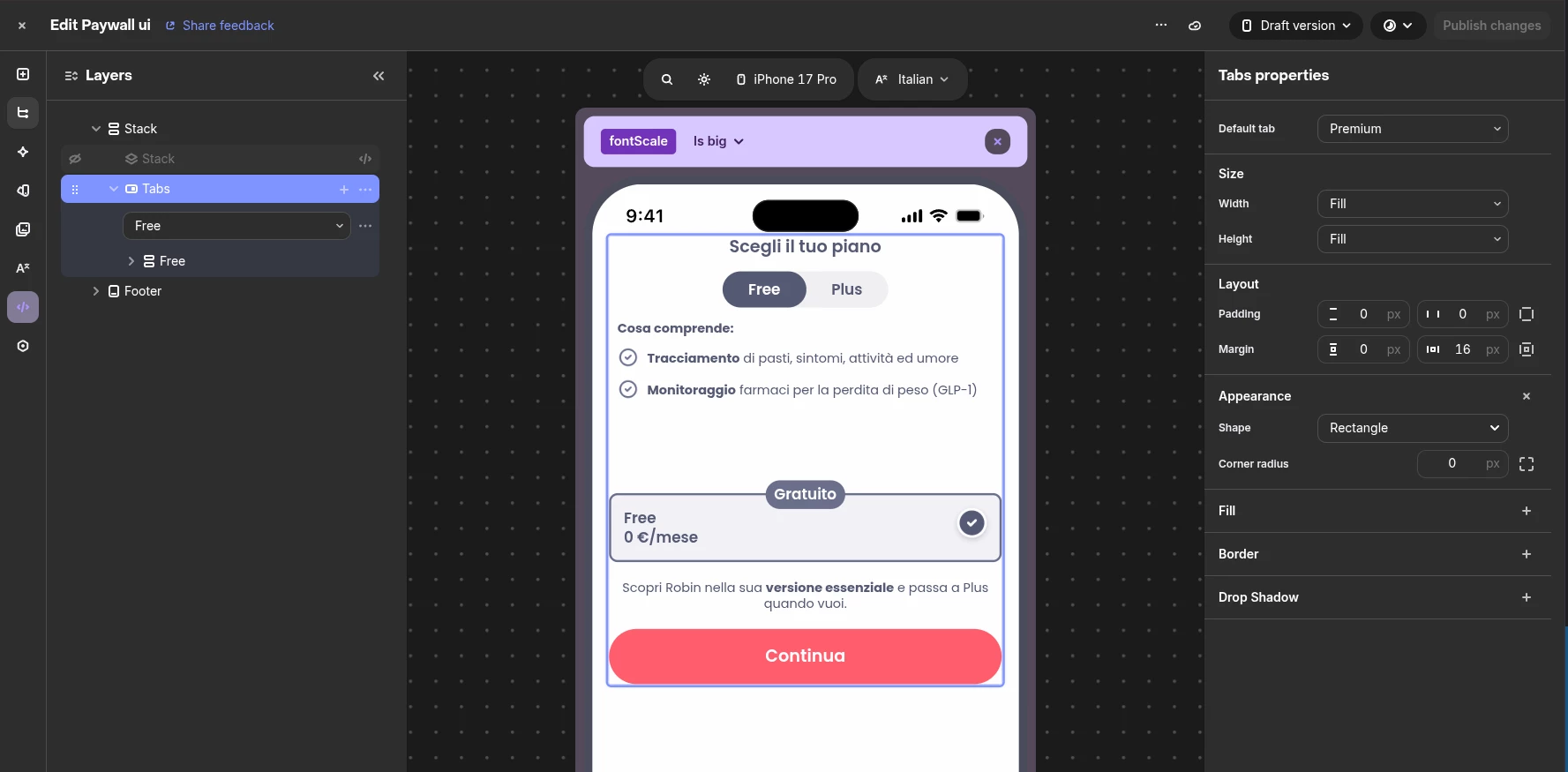
A title says, when trying to set height: Fill on Tabs component, it does not work. 
Seems like it’s not growing as expected. This bug is present on Tab component only, Stack works properly.


2 replies

Tarek
RevenueCat Staff
Forum|alt.badge.img+6
  • RevenueCat Staff
  • May 19, 2026

Hi Lucas,


Tarek from the support team here, happy to assist you!


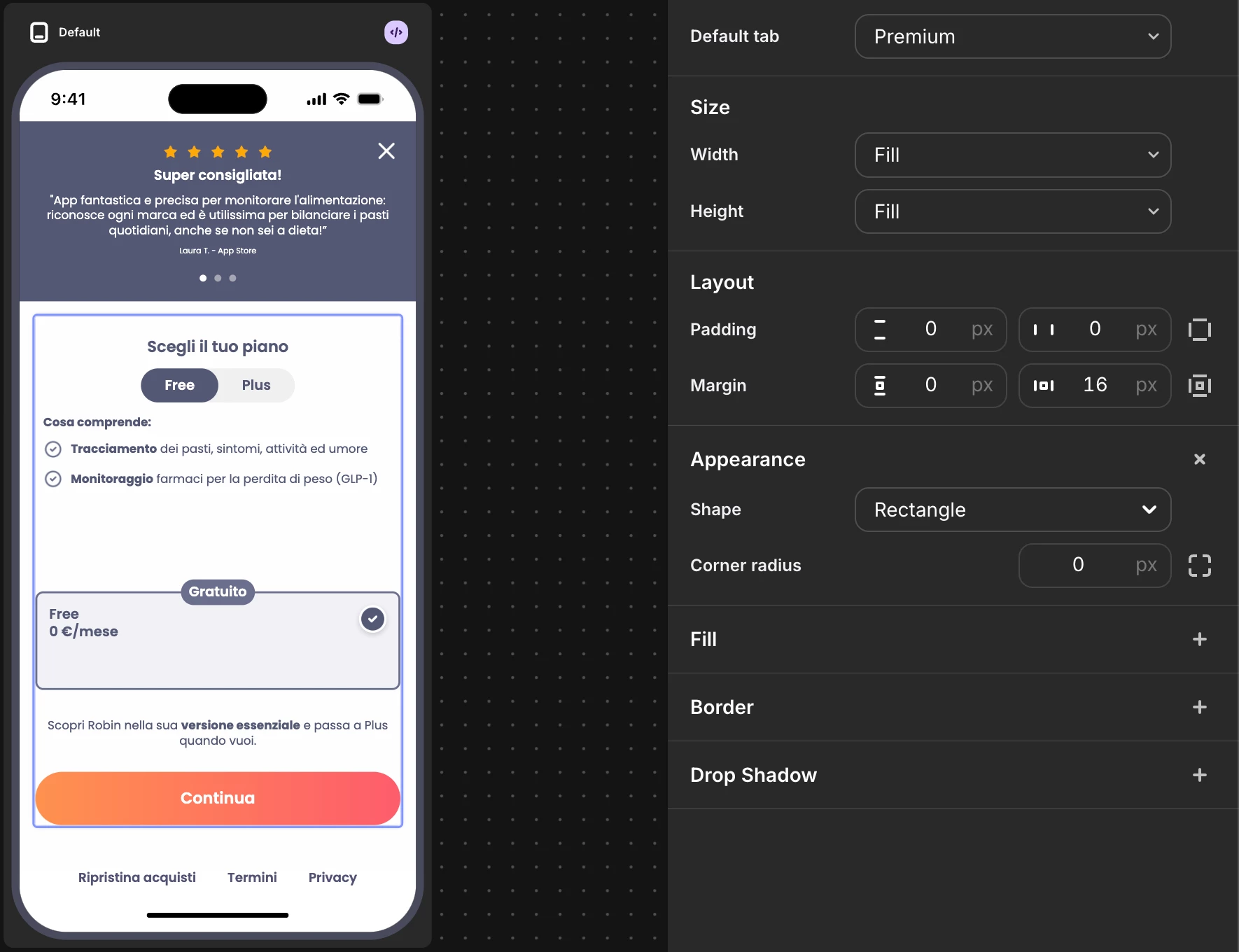
I checked one of your paywalls on device, and it seems like Fill for size height is behaving as expected for the Tab component.


It will grow to allow its components to fill the space available for this Tab:


Could you please tell me if you've noticed this issue on device and on which platform? I suspect this is a quirk on the web editor.


Feel free to share a screenshot so I can take a deeper look. If you could also tell me the affected project and paywall so I can make sure I'm testing the right one, that would be great.


Best regards,


Forum|alt.badge.img
  • Author
  • New Member
  • May 21, 2026

Hey Tarek,
First of all, thanks for the answer!

Its behaviour is correct, but on dashboard is still see something like


The parent stack has its height set to “Fill”.
That is super misleading.

Can you check that?

Kindly,
Lucas ​​​​​