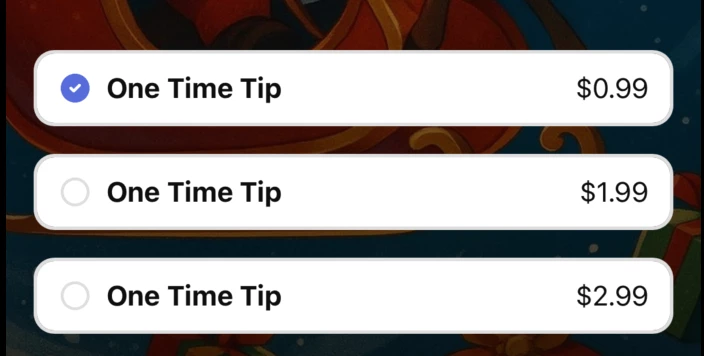
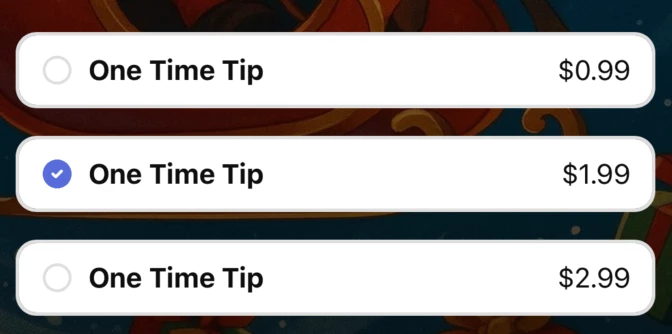
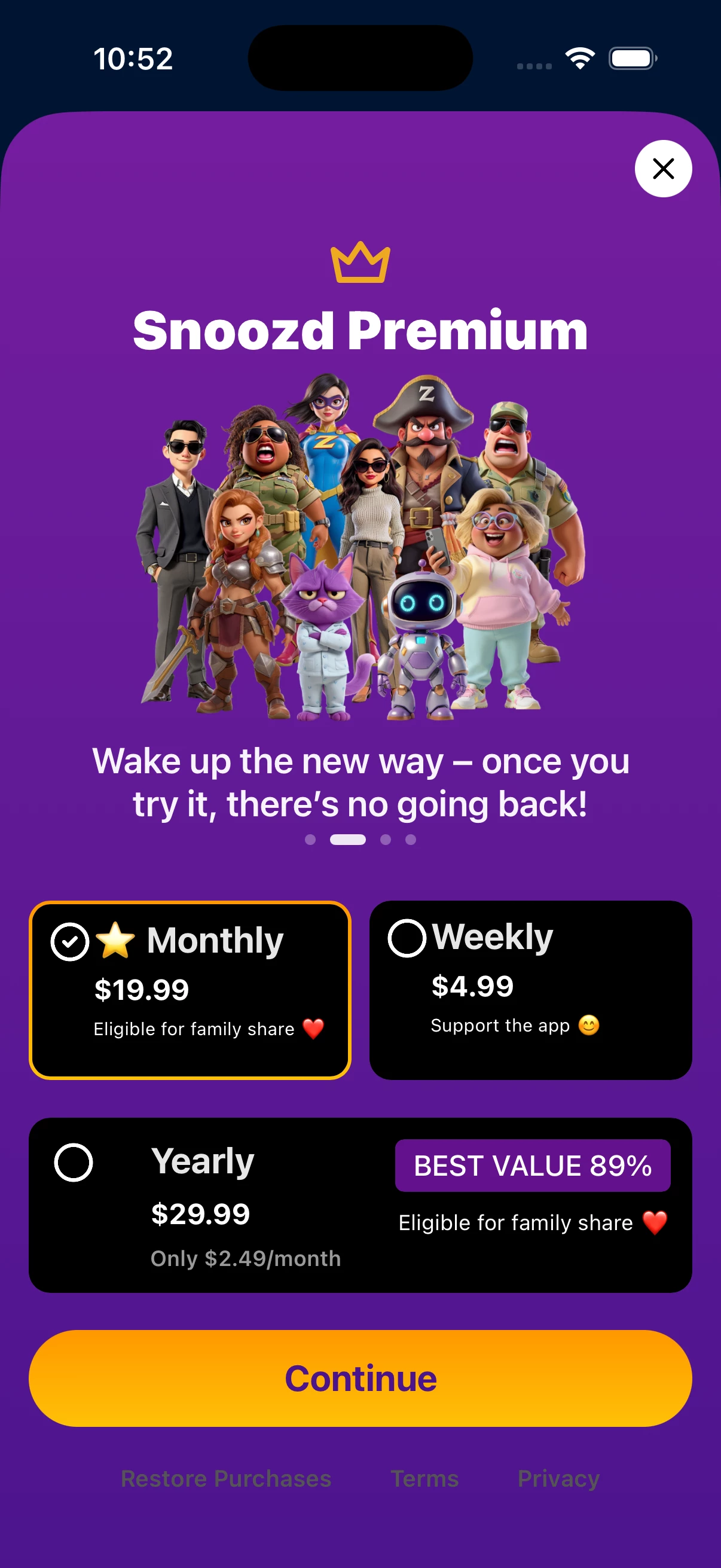
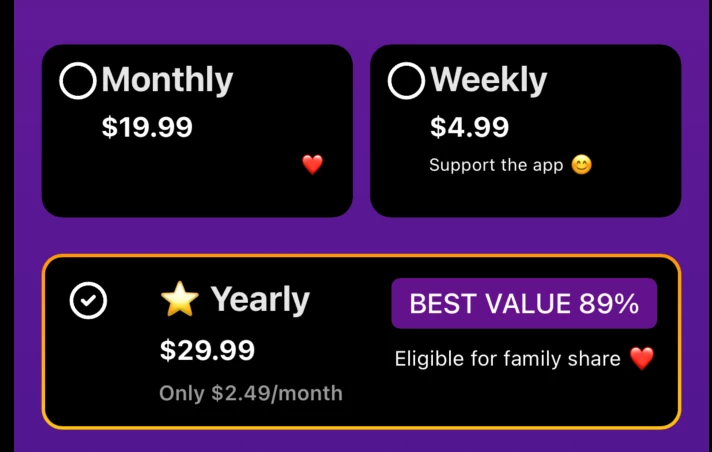
I created my paywall in the paywall builder. Initially, before connecting to the appstore and when I had no offerings it was fine. After I connected, and when I tried to publish there were 3 errors regarding packages not supposed to be empty, I then clicked on the error message which resulted in it taking me directly to the package that was affected. I then repeated this for the other errors and clicked publish. However, now it shows me in the paywall creation UI it shows me the correct one until I click/select on the package - where it reverts to its original template state as it was added as a component. It isnt only a paywall creation UI glitch as it has resulted in some of the default template being displayed on the paywall on device (I used the revcat mobile app to check). I have tried changing colours, text saving them and then republishing but nothing works and it seems it has forced the template to show no matter what. I believe the issue may have been caused by the direct click on the error message to select the package components rather than clicking the package components myself.
TLDR:
- Paywall was working fine before connecting to offerings from appstore
- Paywall had errors so clicked on the error dialogue box
- Fixed errors through the click (not manual)
- Now paywall has parts of package component forced to be in its original template form