Question

Paywall not being created properly on paywall builder - shows up with default fields and colours instead of custom values

  • December 29, 2025
  • 5 replies
  • 46 views

Forum|alt.badge.img+3

I created my paywall in the paywall builder. Initially, before connecting to the appstore and when I had no offerings it was fine. After I connected, and when I tried to publish there were 3 errors regarding packages not supposed to be empty, I then clicked on the error message which resulted in it taking me directly to the package that was affected. I then repeated this for the other errors and clicked publish. However, now it shows me in the paywall creation UI it shows me the correct one until I click/select on the package - where it reverts to its original template state as it was added as a component. It isnt only a paywall creation UI glitch as it has resulted in some of the default template being displayed on the paywall on device (I used the revcat mobile app to check). I have tried changing colours, text saving them and then republishing but nothing works and it seems it has forced the template to show no matter what. I believe the issue may have been caused by the direct click on the error message to select the package components rather than clicking the package components myself.


TLDR:

  • Paywall was working fine before connecting to offerings from appstore
  • Paywall had errors so clicked on the error dialogue box
  • Fixed errors through the click (not manual)
  • Now paywall has parts of package component forced to be in its original template form

5 replies

Forum|alt.badge.img+3
  • Author
  • New Member
  • December 29, 2025

I believe I have found the cause of the issue (something that can only be resolved on revenuecat’s end). The issue only arises when a default package is selected, as soon as i did this and deselected an the element, it showed me its default state. When I unchecked this in a draft paywall, it went back to normal.

Please let me know when this has been resolved.


Forum|alt.badge.img+3
  • Author
  • New Member
  • December 30, 2025

Replying to myself here, I made an embarrassing mistake. Forgot to select the tab called ‘selected’ in the properties side in the UI and make the changes there. Apologies for wasting anyones time.


I hope other people may find this useful.


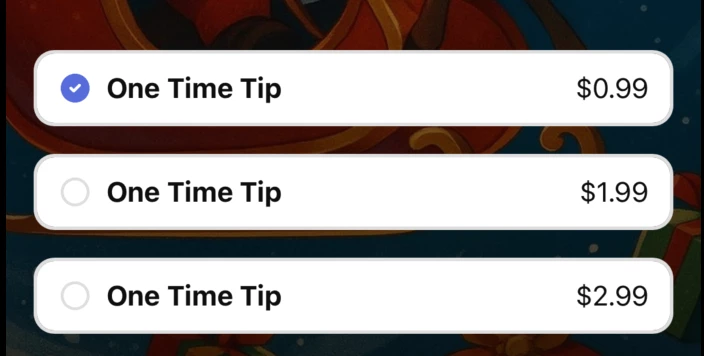
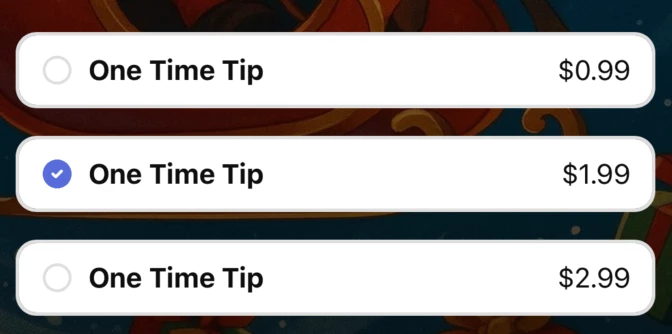
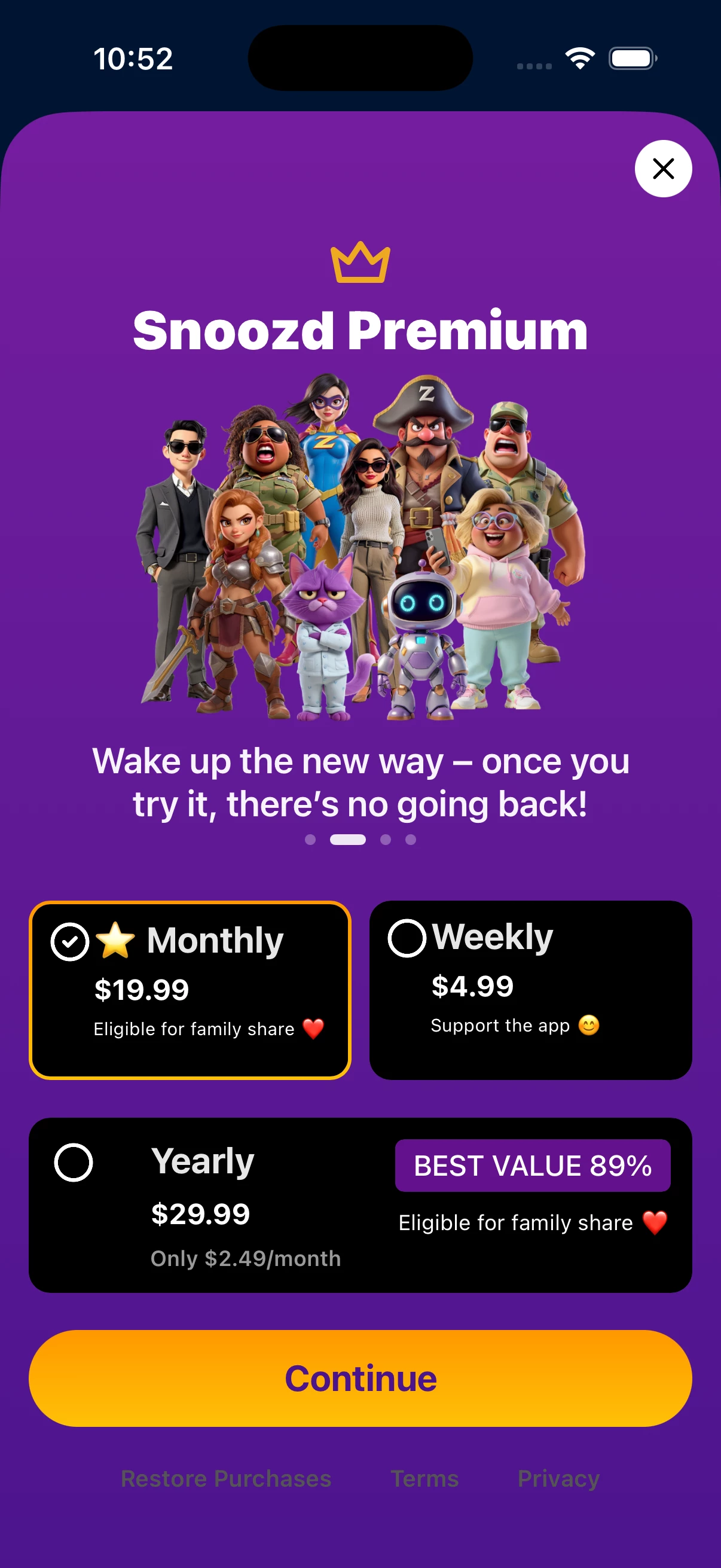
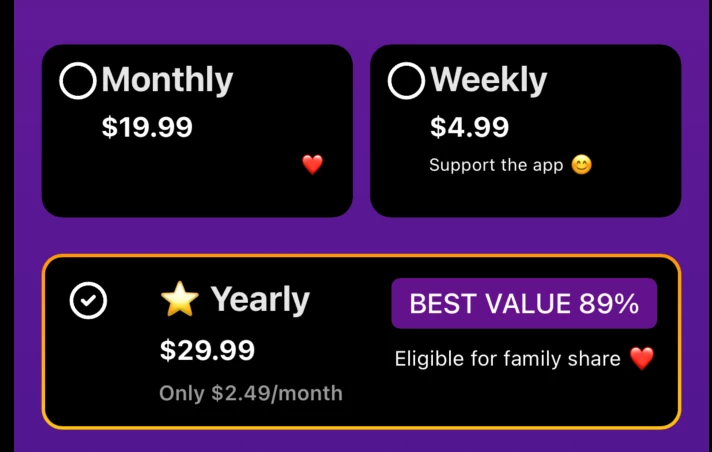
Great. I’m struggling with his too. I have an “circle icon” that should be a “checked circle icon” when selected. Works in Revenue cat UI but not on my phone


Forum|alt.badge.img+8
  • RevenueCat Staff
  • January 9, 2026

Hi, ​@D_uptwn glad to hear you have resolved this!

@eric-degaardt-dcbe9d running your paywall locally I am able to get the checked circle icon when selecting each of the different packages, are you still running into this issue or is this happening for a different paywall?


Hello,


no this was for my paywall “Snoozd Premium”


I think it worked in the editor but not on my phone using expo or TestFlight.


i ended up switching design and went with a background shadow for selected offerings.