Answer

Import products from App Store Connect

  • June 15, 2023
  • 3 replies
  • 998 views

Forum|alt.badge.img+4

How do I do an automatic import of products from App Store Connect? I see that this is a new feature but I couldn’t find the documentation for it. Thanks!

Best answer by Jens

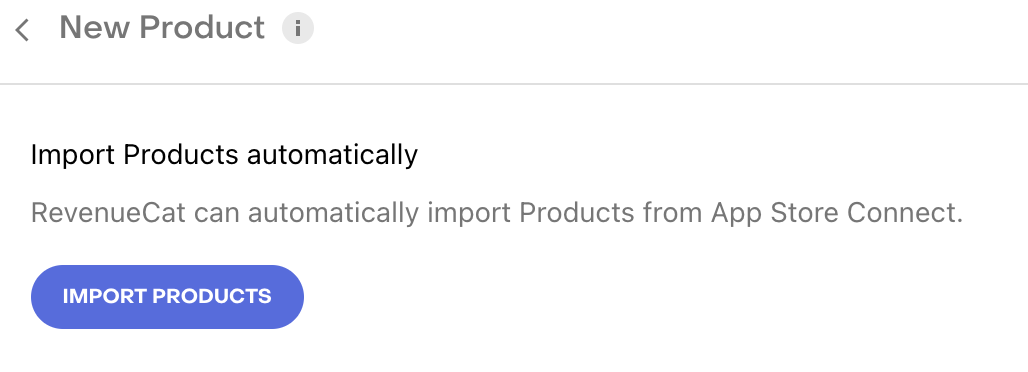
You go to your RevenueCat project settings, then to Products, then to “New”, select the correct app, and then on the next page you have an “Import Products” button.
 

This post has been closed for comments

3 replies

Jens
RevenueCat Staff
Forum|alt.badge.img+7
  • RevenueCat Staff
  • Answer
  • June 20, 2023

You go to your RevenueCat project settings, then to Products, then to “New”, select the correct app, and then on the next page you have an “Import Products” button.


Forum|alt.badge.img+3

I have followed the stops to configure that app in both App Store and in Revenue Cat, including setting the App Store Connect API. But when I try to import products automatically, I get the message.


“At this time, we could not find any new Products.”


However, I have set up subscription products in the App Store. Am I missing something, or have I not confirmed correctly?  Is there a way for me to figure out why it is not working? 


Forum|alt.badge.img+5
  • Member
  • March 27, 2024

same here. anyone able to solve this?




