Answer

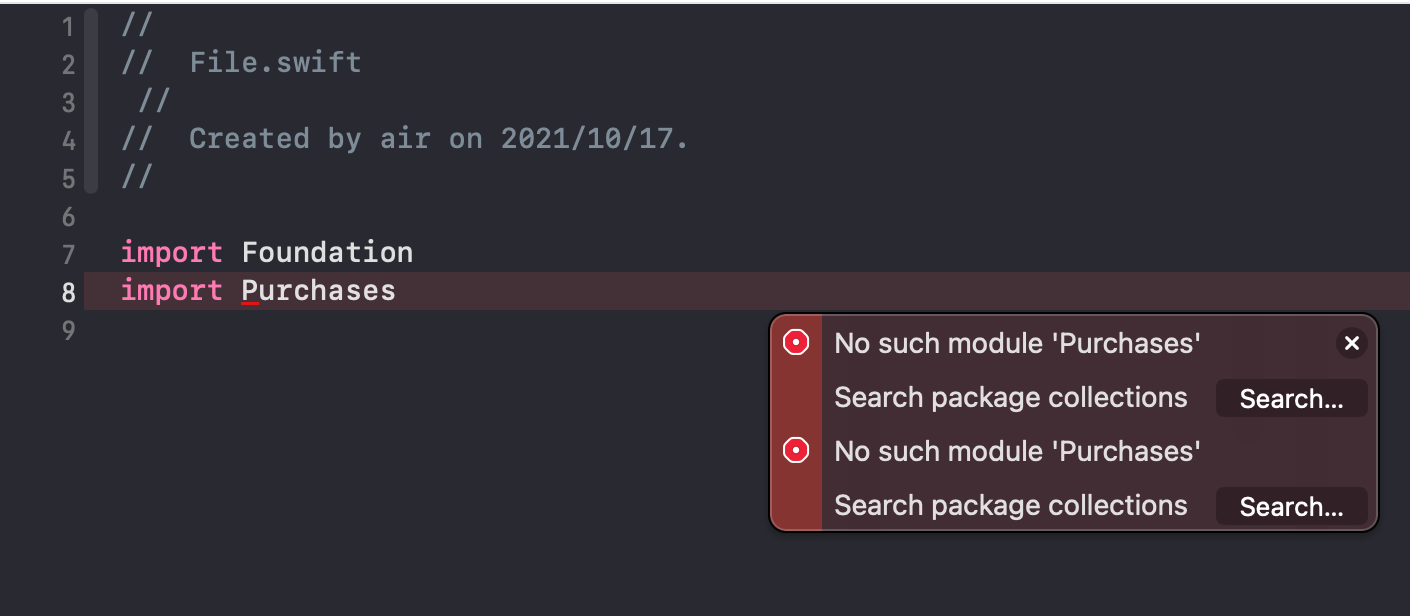
No such module 'Purchases'

  • October 17, 2021
  • 5 replies
  • 2466 views

Air

XCode: Version 13.0 (13A233)

macOS Deployment Target: 11.0

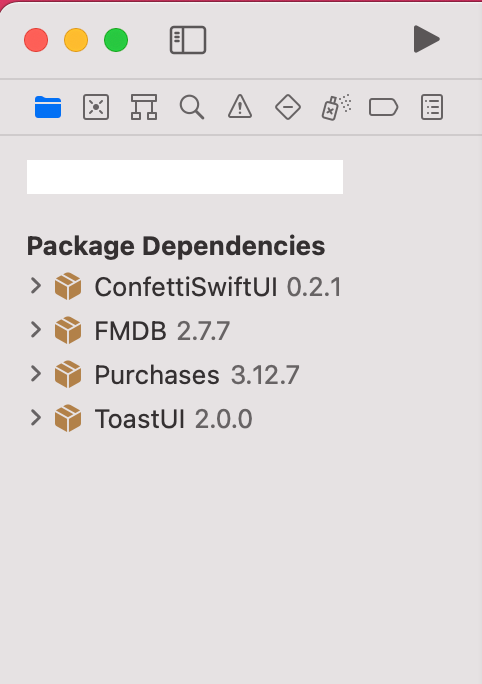
Install via Swift Package Manager

When I compile it prompts: No such module 'Purchases'


Best answer by Air

I ran into this problem before using SPM. What happened to me was that I modified the file’s name and class name which caused this error somehow. Delete the file and try again. Also try restarting Xcode. It’s a weird issue.

Thank you very much for your reply. After I installed Purchases using SPM, I didn't modify any file name or class name, and this error occurred when I imported Purchases directly. I also tried to restart the computer, but I still get this error.

This post has been closed for comments

5 replies

Forum|alt.badge.img+2
  • New Member
  • October 17, 2021

I ran into this problem before using SPM. What happened to me was that I modified the file’s name and class name which caused this error somehow. Delete the file and try again. Also try restarting Xcode. It’s a weird issue.


Air
  • Author
  • Answer
  • October 18, 2021

I ran into this problem before using SPM. What happened to me was that I modified the file’s name and class name which caused this error somehow. Delete the file and try again. Also try restarting Xcode. It’s a weird issue.

Thank you very much for your reply. After I installed Purchases using SPM, I didn't modify any file name or class name, and this error occurred when I imported Purchases directly. I also tried to restart the computer, but I still get this error.


Forum|alt.badge.img+2
  • New Member
  • October 18, 2021

Also try cleaning your build files (cmd + shift + k) and recompile.


Air
  • Author
  • October 19, 2021

 Thank you all for your help, the problem has been solved. I just reinstalled purchases-ios a few times and solved it.

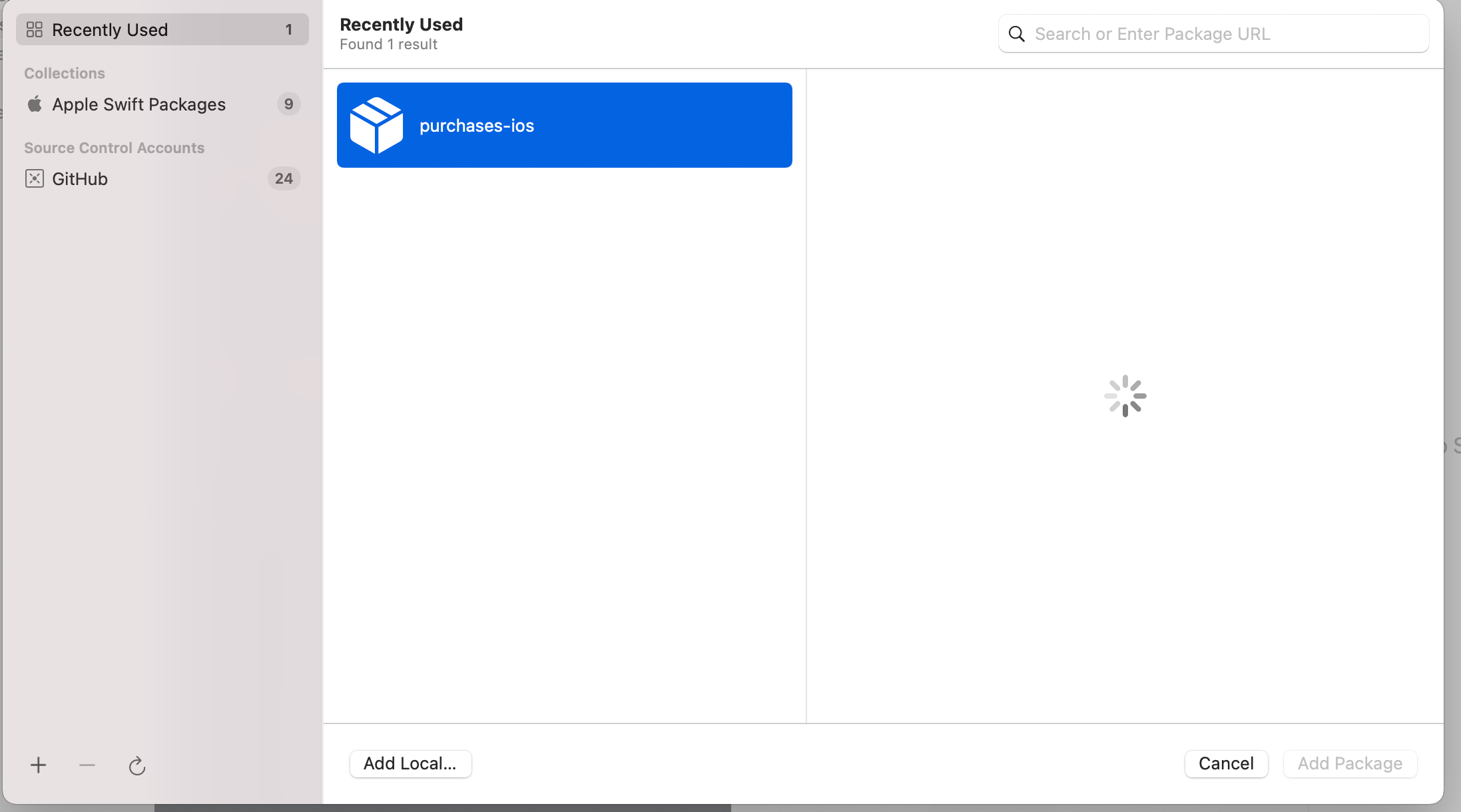
I don’t know why it takes a long time for this interface to load. Sometimes it takes many times to try for several hours.


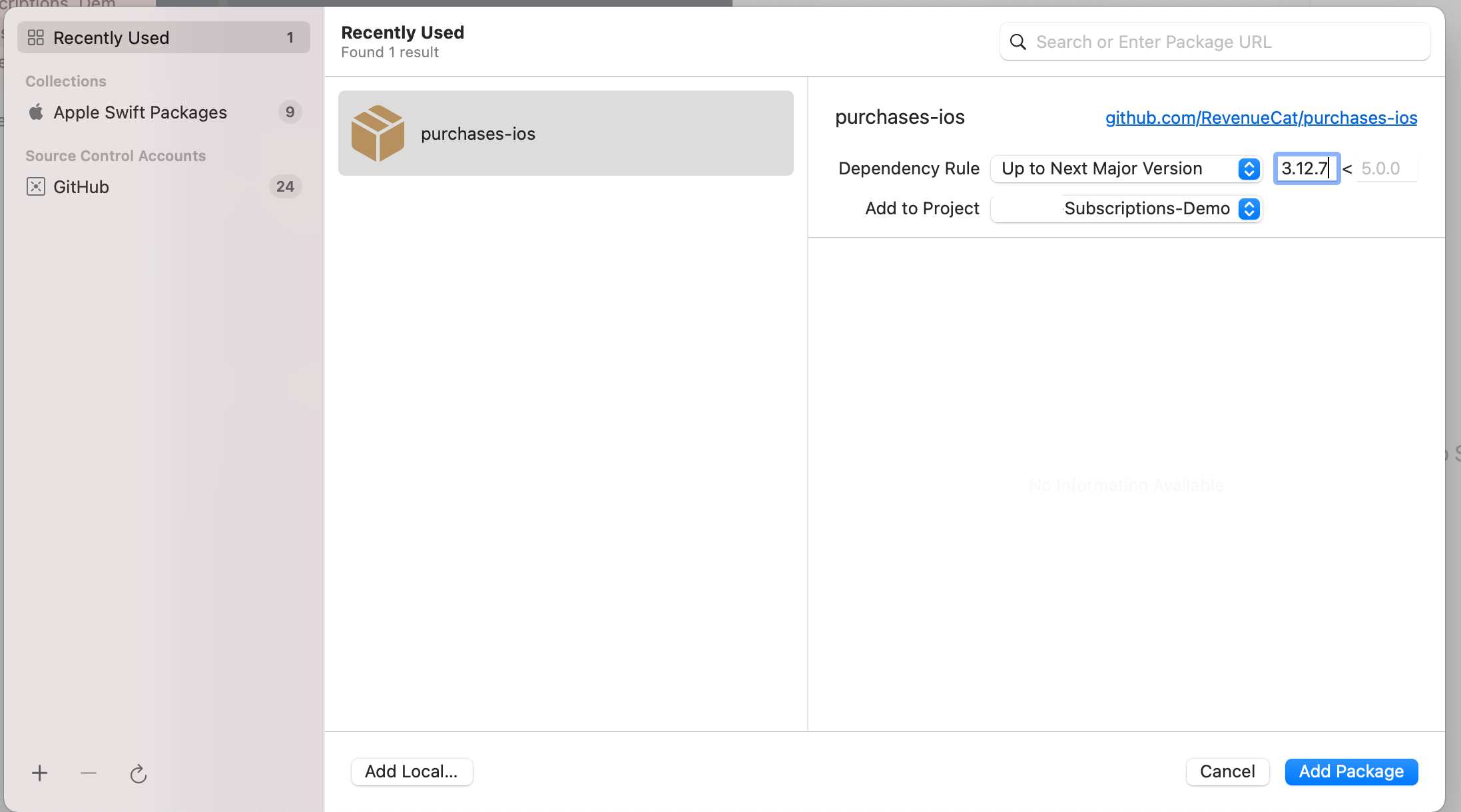
The following installation page appeared


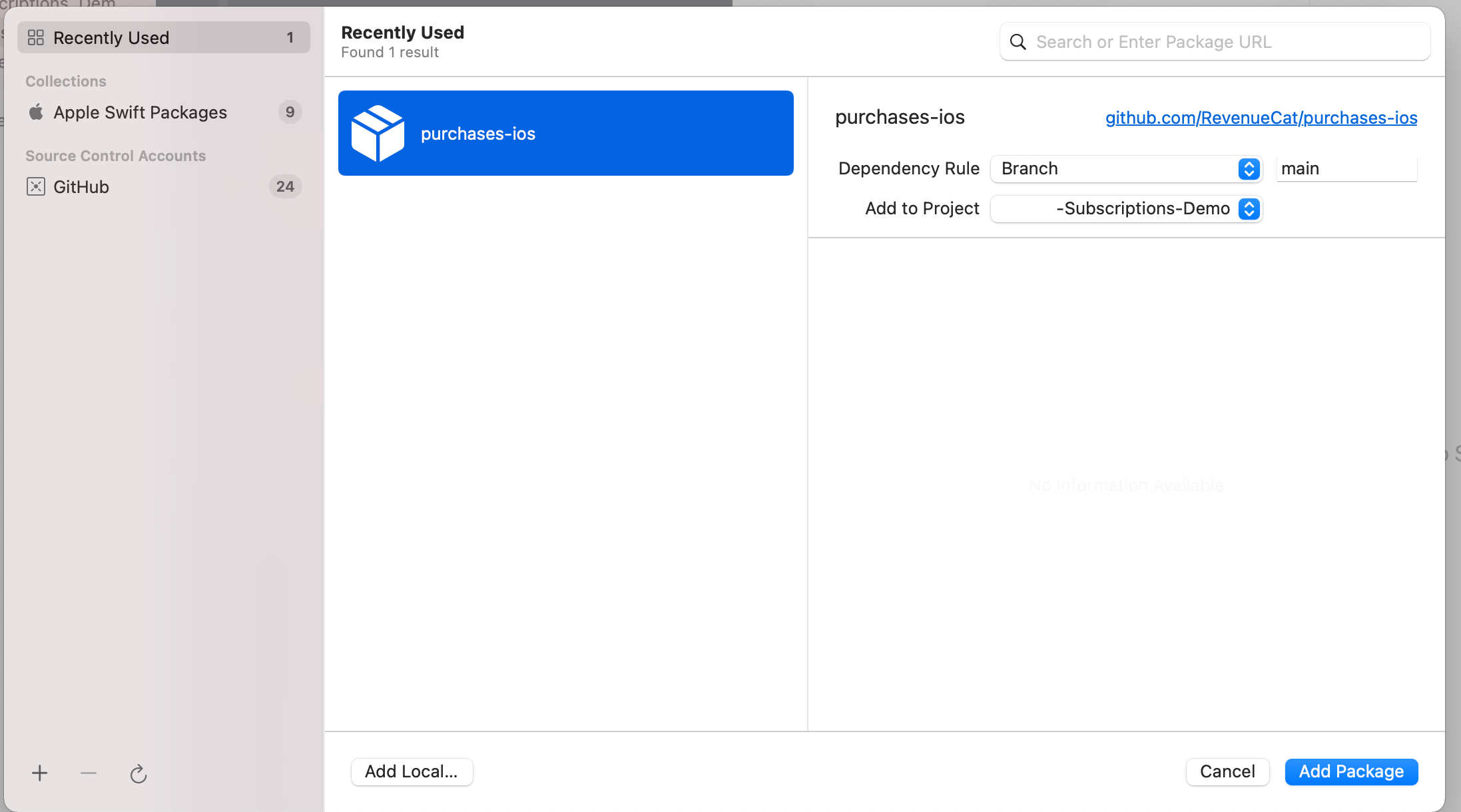
Then I set the parameters like this


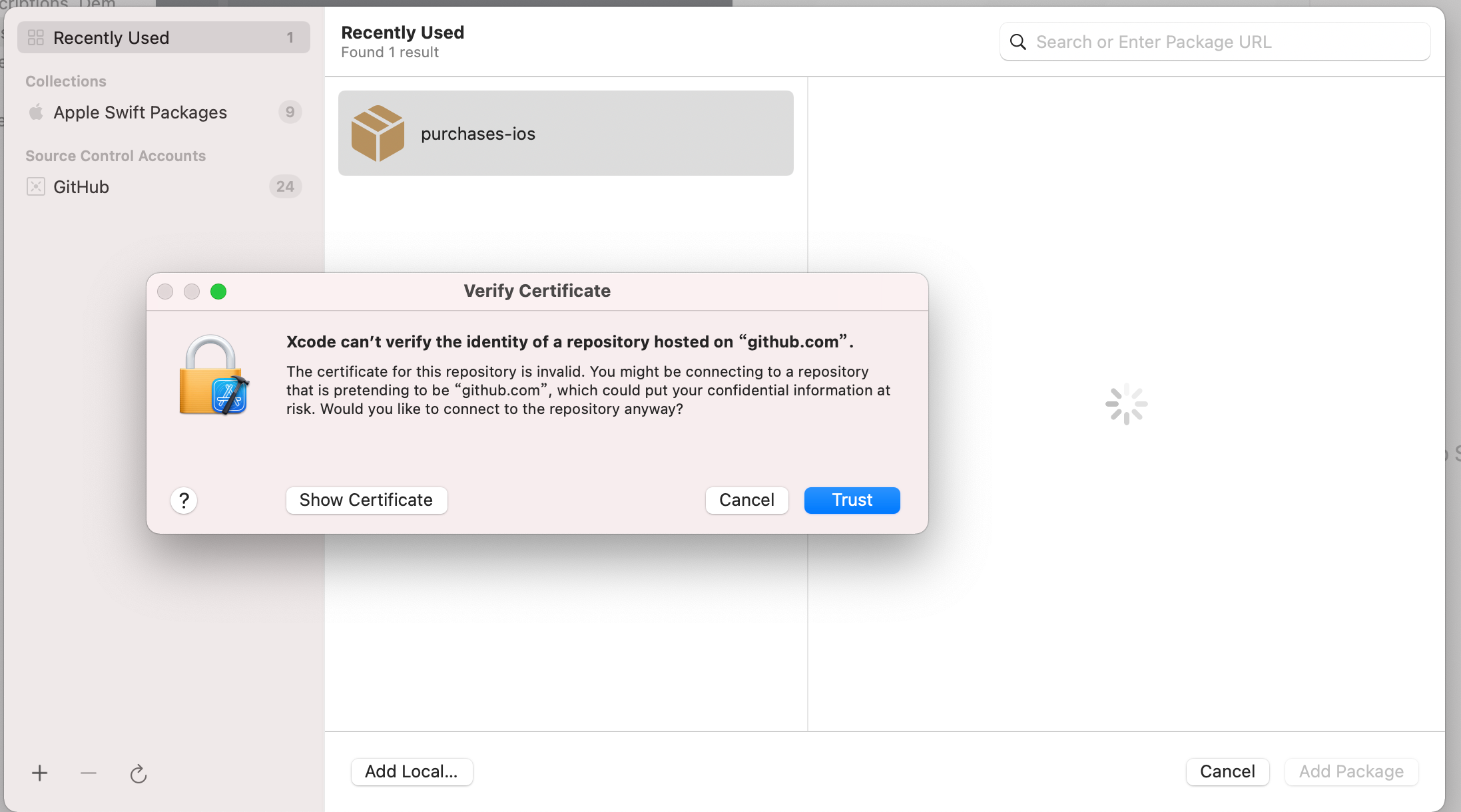
In the process of my many attempts to install, this interface occasionally appeared


Forum|alt.badge.img+1
  • New Member
  • March 27, 2023

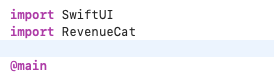
I had the same issue nothing above fixed it so I changed import RevenueCat not sure if will work but it removed the error.