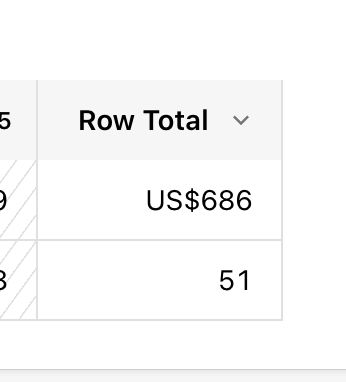
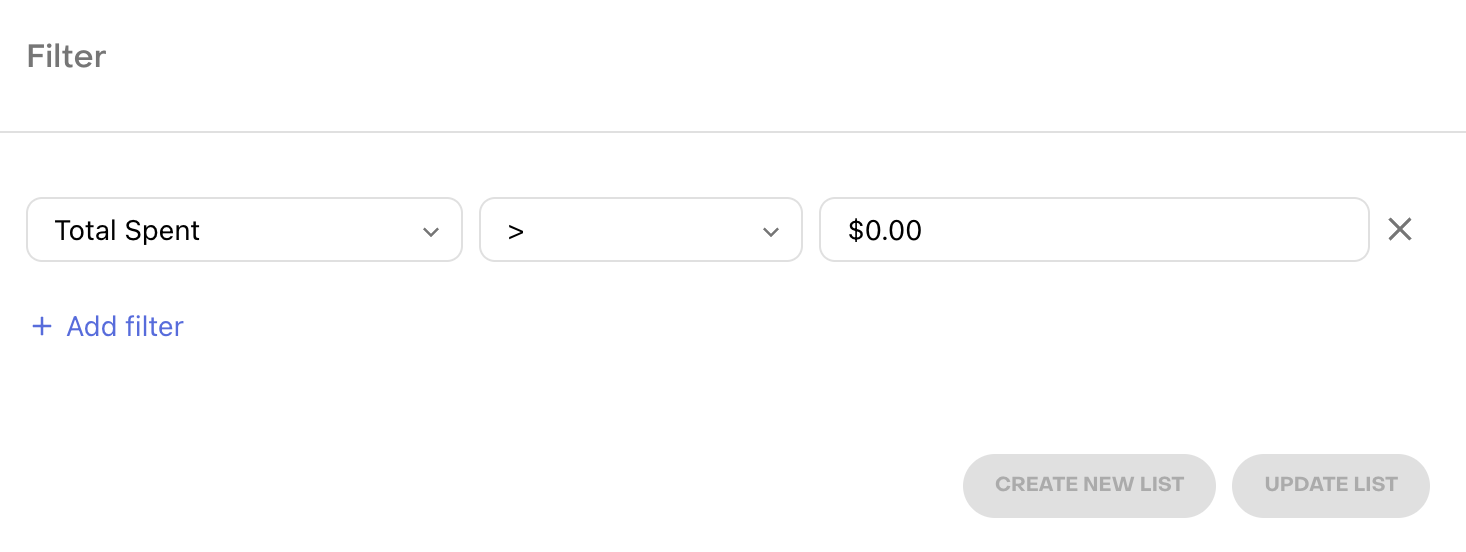
The dashboard only shows data from the last 28 days. I’ve applied the following filter, but the results don’t seem consistent. Is there another way to achieve this?

 +3
+3The dashboard only shows data from the last 28 days. I’ve applied the following filter, but the results don’t seem consistent. Is there another way to achieve this?
Best answer by wes_clark
Hi! If you are just looking for the revenue metrics, I would recommend using the Revenue Chart. If you would like to see all users who have made purchases in the last 28 days, you could use the “Latest Purchase Date” filter.

Enter your E-mail address. We'll send you an e-mail with instructions to reset your password.